
Compare a colour-capable printer, a handheld scanner and everyday PLA+ filament to find the part of a 3D making setup that suits your next project.
When browsing a specialist 3D printing shop, it is easy to compare products that solve entirely different problems. A printer turns a prepared model into a physical object; a scanner helps capture an existing object; filament is a consumable for compatible printers. The useful first question is therefore what your next project needs, rather than which listing sounds most advanced.
We reviewed the UK store’s product information to explain three distinct entry points in the 3D Prima Technology range. The product pages describe features and intended uses, but compatibility, availability and service terms should be checked on the store before choosing.
We may earn a commission when you buy through links on this page, at no extra cost to you.
Key facts: The Creality Hi Combo is the printer-led choice for managed colour changes, the Creality Pika 3D Scanner serves object capture, and PrimaValue PLA+ is a material for routine FDM printing. The supplied campaign information does not specify a discount or deadline, so check the store for current availability and terms.
The Hi Combo makes sense when colour changes matter
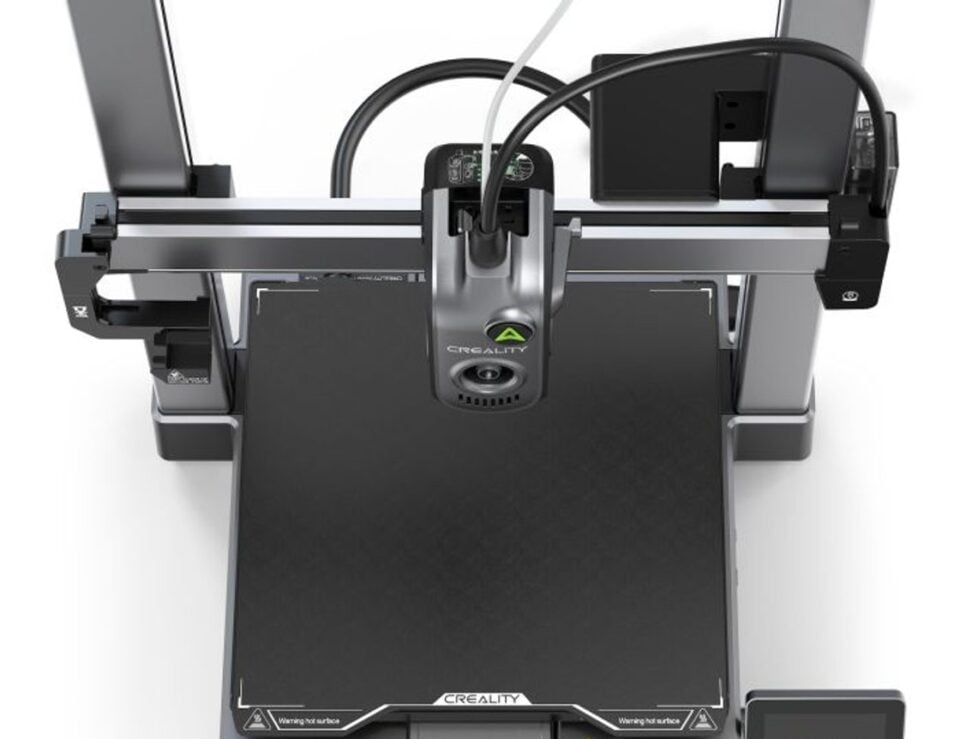
The Creality Hi Combo pairs a filament printer with Creality’s Color Filament System. The product information says the system can automate filament switching and support multi-colour work, with up to four CFS units for prints using as many as sixteen colours. That capability is relevant if colour is part of the object design, rather than an occasional finishing step.
There is a practical trade-off: more components mean more setup, space and material planning than a straightforward single-spool workflow. Think about the models you actually intend to print, how often you need colour changes and whether the added system fits your workspace. The product page is the place to confirm package contents and current compatibility details.
- Consider it for models where multiple colours are integral to the result.
- Check first how the CFS configuration, filament types and desk footprint fit your workflow.
- Keep expectations practical: automated colour handling does not remove the need to prepare and maintain a print job.
The Pika suits projects that begin with a real object
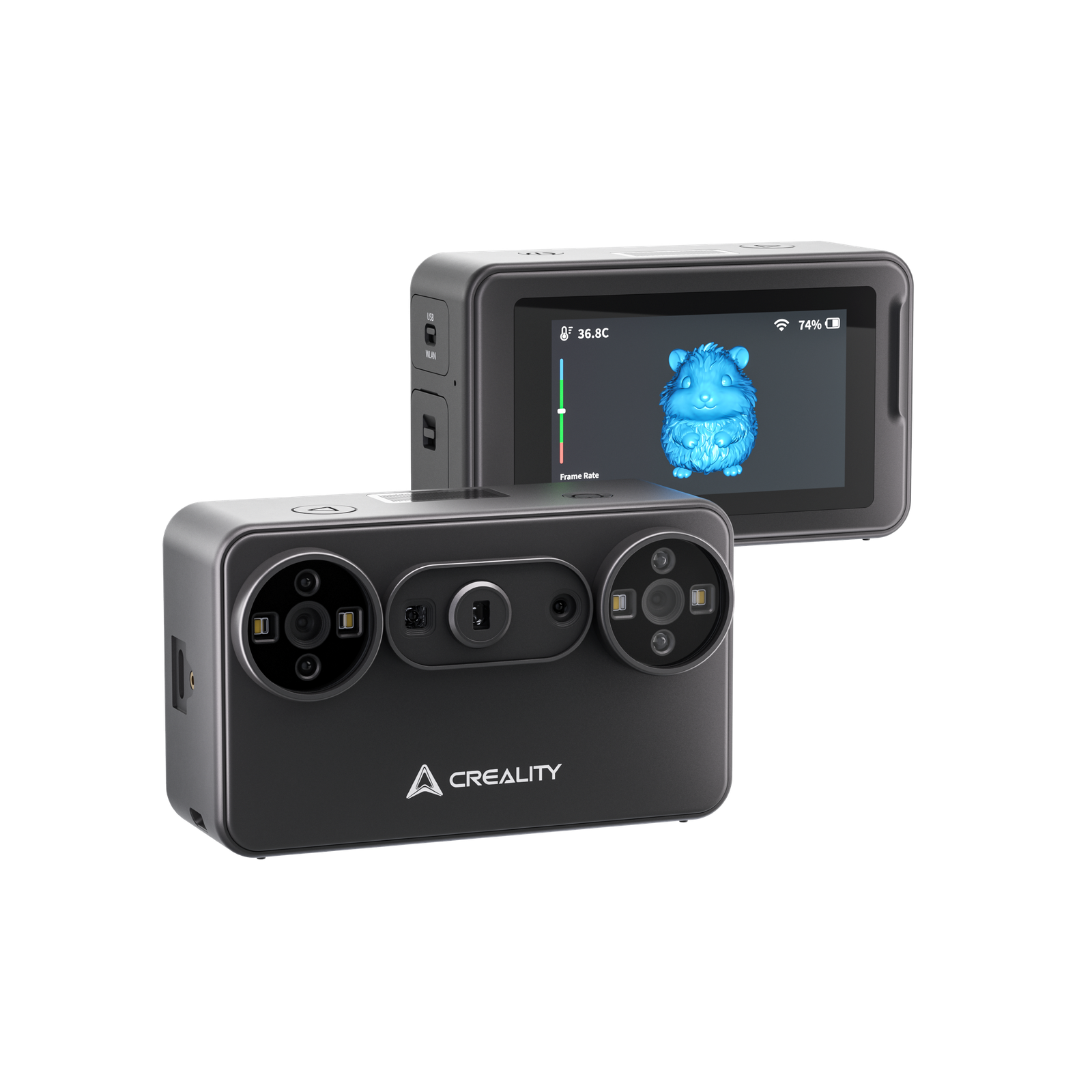
The Creality Pika 3D Scanner is for a different starting point: capturing the shape of a physical object as digital data. It may appeal to makers who want to document, adapt or reproduce objects and forms. If your projects already start from software models, a scanner may add little to the process; it is not a substitute for the printer itself.
Before choosing a scanner, identify the scale and surface types of the objects you need to capture, and read the current page for supported workflows and system requirements. Capture quality depends on the object and process as well as the device. A useful buying decision is based on the job you need it to do, not simply the presence of a new tool in the catalogue.
PrimaValue PLA+ belongs on a materials shortlist
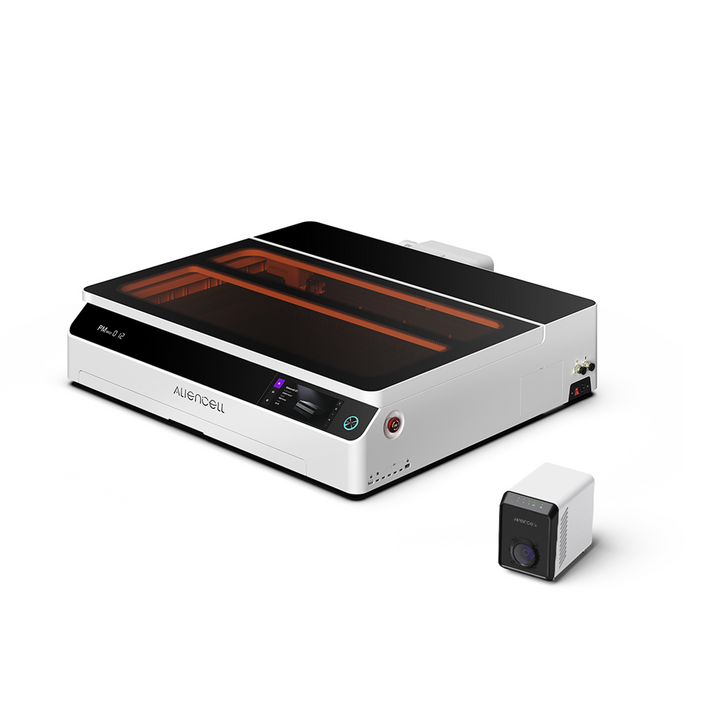
For someone who already owns a compatible FDM printer, a spool of PrimaValue PLA+ may be the most direct way into the range. It is a filament option for routine printing, so the decision turns on the printer’s accepted diameter and temperature range, the desired colour, and the finish or strength needed for the part. Follow the material and machine guidance on the live listings.
Material selection is not one-size-fits-all. PLA-based filament can suit decorative objects and many everyday prints, but parts exposed to heat, repeated force or outdoor conditions may call for a different material. Compare the application against the manufacturer’s stated properties, and avoid assuming that a familiar material name guarantees identical settings across brands.
Compare the job, compatibility and ongoing costs
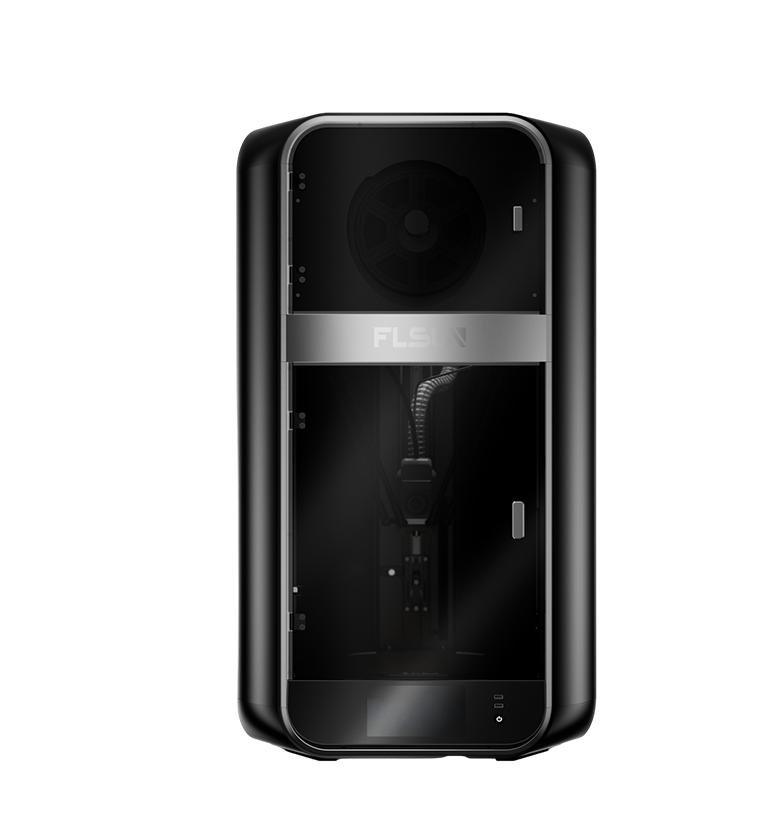
The store brings together printers, scanners, materials and related equipment, so build your shortlist around the work rather than browsing every category. These checks can make the decision more concrete:
- Name the output: a printed part, a digital capture or a regular supply of consumable material.
- Check compatibility: machine, material and software requirements can narrow the options quickly.
- Include the supporting setup: storage, extra components and post-processing may affect the overall commitment.
- Read the terms: confirm UK availability, delivery, warranty and returns information on the relevant store pages.
Costs vary with product type, configuration and any supporting equipment, so compare the full setup rather than a headline listing alone. No specific promotion is defined in the supplied campaign details. If the store displays a live offer, read its eligibility, included products, exclusions and end date on the store itself before relying on it.
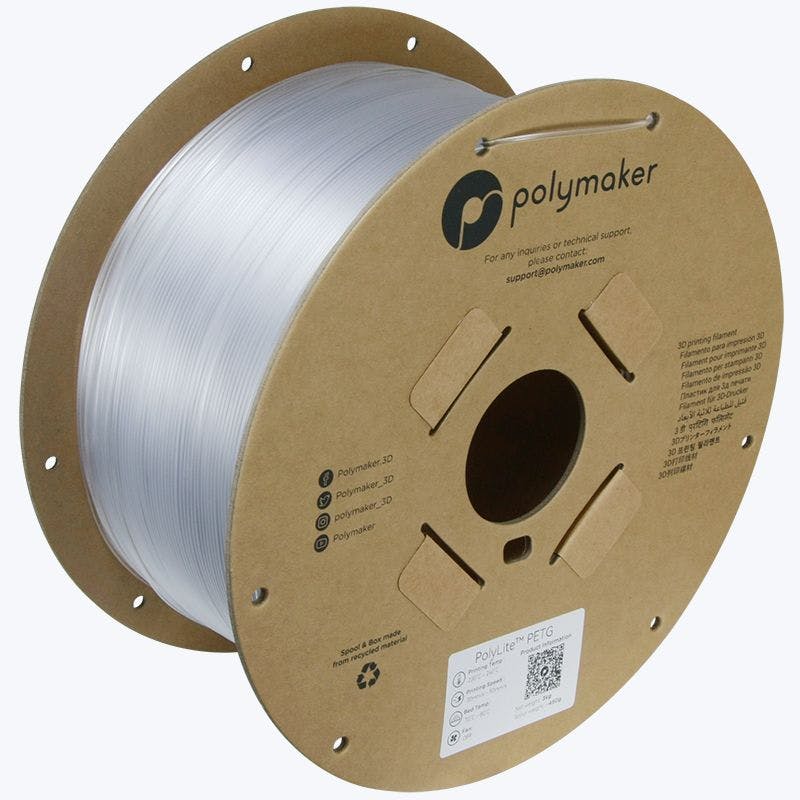
A broad specialist catalogue is useful when you need to source connected parts of a workflow in one place. The other side is that technical choices still require checking: confirm specifications and whether support or warranty terms suit the equipment you are considering. The UK store lists its service information alongside its product range.
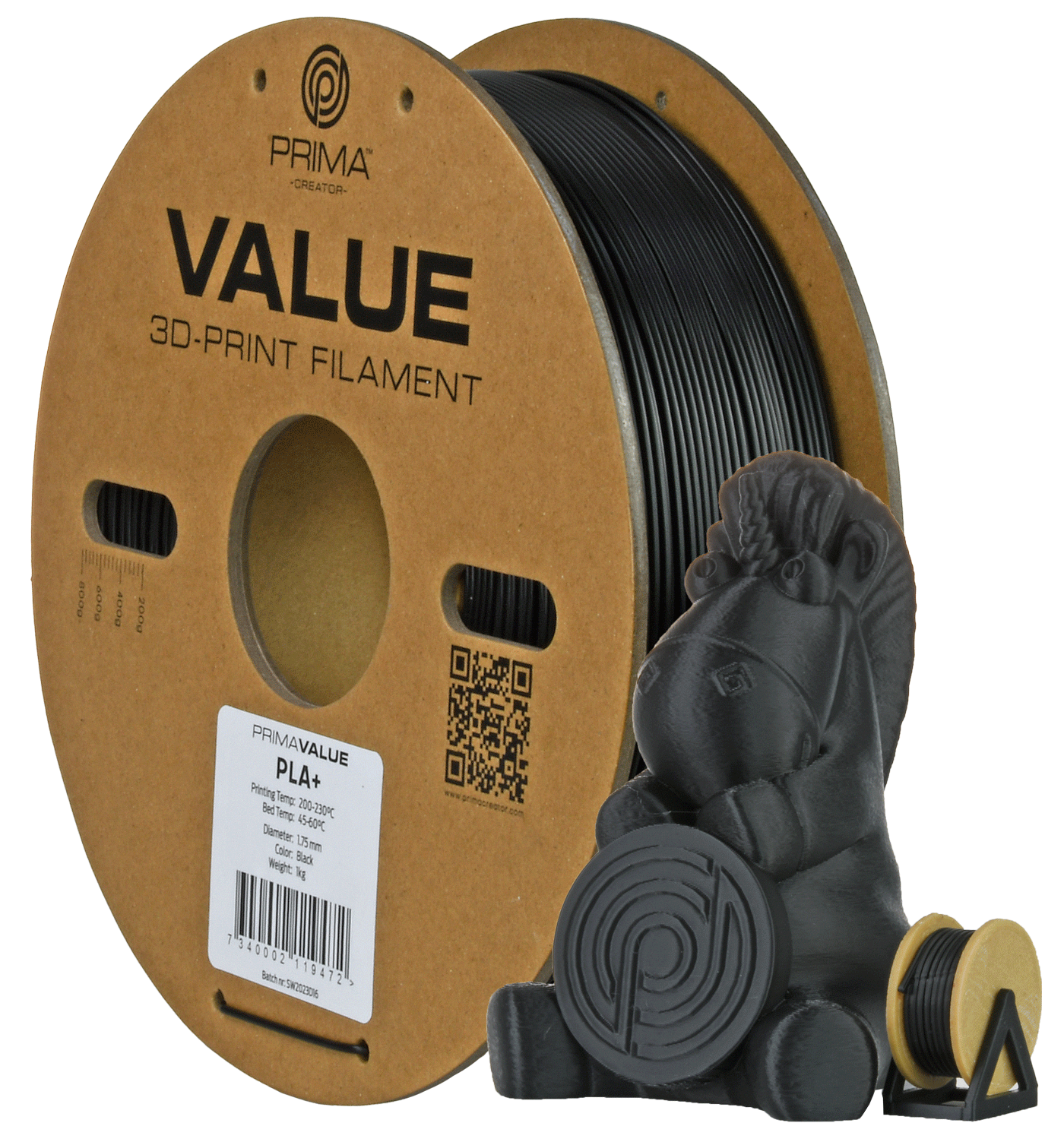
Before you decide
Choose the Creality Hi Combo if colour-managed printing is central to your projects; look at the Creality Pika if you need to capture real objects; consider PrimaValue PLA+ when your printer needs a compatible everyday material. Our recommendation is to start with that single project requirement and then check the precise specifications and current store terms.
The limitation is that the product pages cannot decide compatibility for your particular setup; confirm machine requirements and included components before committing. Availability and any promotion can also change, so the live UK listing remains the authority on current terms.
Match the purchase to the job: print in colour, scan an object or replenish compatible filament.