

A practical introduction to Bargain Hardware’s refurbished IT range, its configuration model, and the buyers it is built to serve.
Buying a computer often starts with a simple question: is a refurbished business machine a sensible alternative to a new consumer model? Bargain Hardware is built around that question. The UK supplier brings together used desktop PCs, workstations, servers, storage and components, then lets shoppers configure many systems around their workload.
That makes the brand relevant to more than one kind of buyer. A home user may want a compact office PC, while a school, public body or growing company may need a repeatable fleet. We looked at the range, the stated service model and representative listings to explain what first-time readers should know.
We may earn a commission when you buy through links on this page, at no extra cost to you.
Key facts: Bargain Hardware offers refurbished desktops and workstations for different levels of business use, from compact HP systems to premium HP and Dell workstations. Buyers can configure many systems, with build times and warranty terms listed for built-to-order purchases.
If you are ready to browse the wider catalogue first, view the Bargain Hardware range to see the current categories and configurations.
Refurbished enterprise hardware supports business use
The clearest part of Bargain Hardware‘s identity is its focus on enterprise-class equipment. The brand says it sources systems from working environments, diagnoses and refurbishes them, and tests them before sale. That approach explains the emphasis on Dell OptiPlex, HP EliteDesk, HP Z Series and Lenovo ThinkStation rather than only consumer laptops.
There is a practical reason to care about that distinction. Business machines are often designed for serviceability, repeat deployment and longer working cycles. It does not mean every used system will suit every workload, but it does give buyers a more structured starting point. The brand also says it is a Microsoft Authorized Refurbisher, supplying genuine Microsoft Windows software on relevant systems.

The company also presents refurbishment as a sustainability decision. Its site claims savings of 50% to 90% compared with new hardware, while reuse can extend the life of functioning equipment and reduce avoidable e-waste. Those are brand-level claims, so readers should still compare the exact configuration, condition grade and delivery terms before deciding that a listing is good value.
HP EliteDesk Mini handles compact everyday work
The compact end of the range is represented by the HP EliteDesk 800 G5 Mini Pre-Configured Desktop PC. The listing shows a compact, entry-level chassis, Intel Core 8th and 9th Gen options plus Pentium options, capacity for up to 64GB DDR4, and three drive bays. That combination points to a small-footprint office, study or home-working setup where desk space matters. Review the Mini configuration page for the available choices.
For shoppers who need more room to expand, the HP EliteDesk 800 G5 SFF Pre-Configured Desktop PC is an entry-level option. It is listed with four DIMM slots, up to 128GB DDR4 and five drive bays. Configuration, operating system, storage and any graphics choice can change the final total. See the SFF listing before comparing totals.
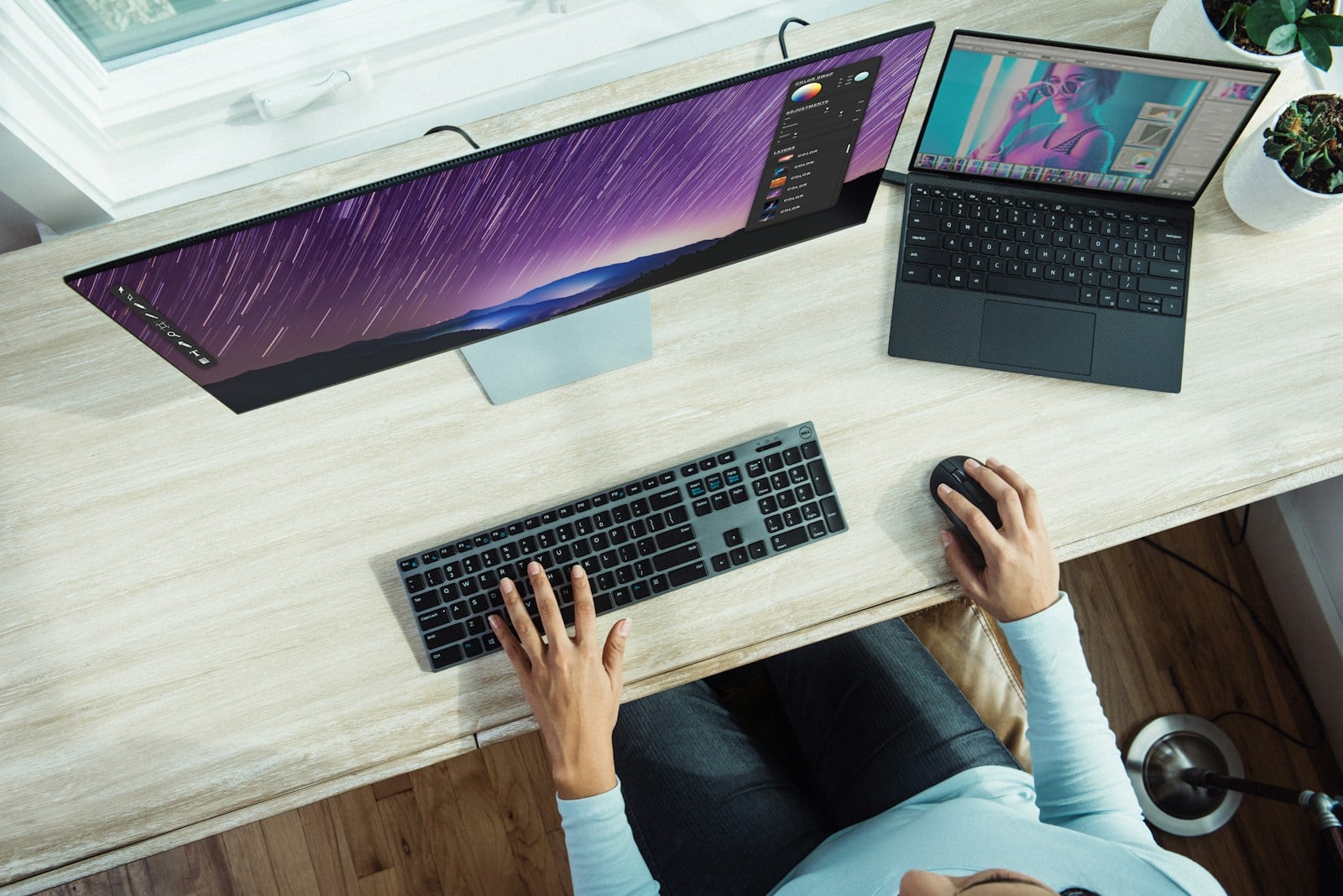
- Mini: a smaller footprint for a tidy desk or light office installation.
- SFF: more memory and drive-bay headroom where expansion matters.
- Configured build: a way to specify storage, memory and software around the job.
The useful lesson is to shop by workload rather than by model name alone. Browser work, documents and video calls may not require the same memory or storage as creative applications, data processing or a multi-user deployment. Check the current desktop options when you know which of those jobs comes first.
HP and Dell workstations support larger workloads
The workstation section shows how far the brand extends beyond everyday desktops. The HP Z8 G4 Workstation is a premium chassis option, with up to 28 cores, 24 DIMM slots, up to 3TB DDR4 and up to four drive bays. That is a different proposition from a Mini PC, aimed at demanding professional workflows where memory capacity, processing headroom and expansion are central. Check the HP Z8 configuration for the live options.
The Dell Precision T7820 Workstation is a mid-range option and is listed with up to 28 cores, 12 DIMM slots, up to 768GB DDR4 and up to four drive bays. The site describes its workstation configurations around applications such as CAD, 3D modelling, video editing and visualisation. Readers should match the chosen CPU, GPU, storage and memory to the software they actually use. View the Precision T7820 page before specifying a build.

At the infrastructure end, Bargain Hardware also lists rack and tower servers, networking hardware, enterprise storage and spare parts. The brand says systems can be built to order in 2-3 days, with fast UK, EU and worldwide shipping. For organisations, its Business and Public Sector Accounts programme is intended to support repeat procurement rather than one-off shopping.
Bargain Hardware combines value, configuration and reuse
Three themes run through the range: value, configuration and reuse. Value comes from second-life equipment and a wide inventory. Configuration means the buyer can often choose a processor, RAM, storage or graphics option instead of accepting one fixed specification. Reuse gives the purchase a longer-life context, especially when replacing equipment that remains serviceable.

There are trade-offs. Stock status can vary, older generations may not support every modern application, and a starting chassis price is not a complete system price. Warranty terms also differ by product type. The site describes up to a 3-year Return to Base warranty for built-to-order systems, while components are presented with a 90-day RTB warranty. Check the exact product page and basket before ordering.
- Confirm whether the listing is a chassis price or a configured total.
- Check RAM, storage, graphics and operating-system compatibility.
- Read the warranty, condition and returns information for that exact item.
- Allow for delivery timing and any regional tax or shipping calculation.
That checklist is also why the brand is best understood as a catalogue and configuration service, not a single house-style computer line. See current Bargain Hardware options once you have a clear specification in mind.
Before you decide
Bargain Hardware is worth the attention of readers who want business-class refurbished equipment, a broad choice of formats and the ability to configure around a real workload. The Mini and SFF desktops make the range approachable for home and office use, while the HP Z8 G4 and Dell Precision T7820 show that the catalogue reaches into serious workstation territory.
The honest limitation is that “from” pricing is only a starting point. Final value depends on the exact configuration, stock, condition, warranty and delivery terms, so a headline price should never be treated as a like-for-like comparison with a new PC until those details are checked.
Bargain Hardware’s strongest case is tailored, tested second-life IT for buyers who compare the full specification rather than only the starting price.
Want to explore the models, categories and current configurations for yourself? View the current Bargain Hardware collection and check the product details that matter to your setup.