

We examine HP’s direct shop through its laptop, desktop and support options so you can judge whether buying direct fits your setup.
A direct manufacturer store has an obvious appeal: the catalogue, configuration details and after-sales information sit in one place. The harder question is whether that convenience makes the buying decision clearer, especially when a laptop, desktop, monitor, printer and accessory may all look like plausible additions.
We reviewed the structure of the regional HP shop and its concrete product pages, focusing on what the store makes easy, where the range asks shoppers to do more homework, and which kinds of setup benefit from buying direct.
We may earn a commission when you buy through links on this page, at no extra cost to you.
Key facts: HP’s store is strongest when you want a broad, first-party technology catalogue with product families, support information and accessories in one destination. It suits shoppers who already know their workload or want to compare formats, but the range is broad enough that screen size, operating system, ports and configuration still need careful checking.
HP’s catalogue covers the full setup, not just the laptop
The store’s first strength is breadth. Its navigation groups laptops, desktops, monitors, printers and accessories by product type and by use case such as home, business and gaming. Readers can move from the laptop catalogue to the desktop range while building a complete workstation.
HP also keeps practical destinations close to the product catalogue, including delivery information, returns, contact options and technical support. Those links do not make a configuration right, but they reduce the uncertainty that can surround a large technology purchase.
- Home computing: everyday laptops, desktops and printers.
- Work equipment: business-focused computers, monitors and support options.
- Gaming: HP and HyperX hardware for more demanding play and audio.
- Desk additions: screens, docking products, keyboards, mice and other accessories.
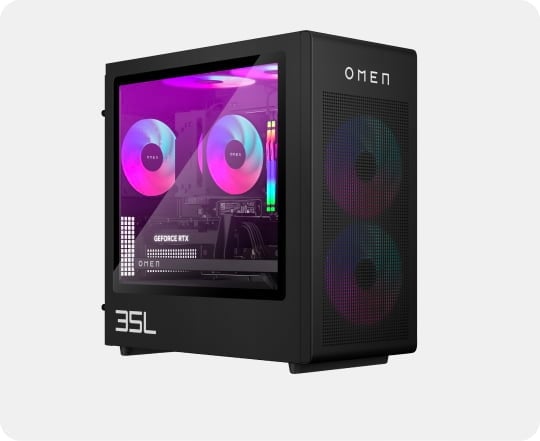
The trade-off is choice. A broad catalogue can help an informed shopper, but it does not remove the need to compare memory, storage, display size and included software. We would treat the store’s product filters as a starting point, then open the exact product page before deciding.
The OmniBook 3 17 favours a large everyday workspace
The HP OmniBook 3 17-dp0047nf represents the straightforward large-screen option in this review. Its 17-inch class format is aimed at people who want more room for documents, browser tabs and general home use without moving to a desktop.
That size is the product’s clearest argument, while the limitation is equally clear: a larger notebook is less natural to carry than a smaller model. The page also makes the exact configuration the important detail, so readers should check the processor, memory, storage, display finish and operating system before they rely on the name alone.
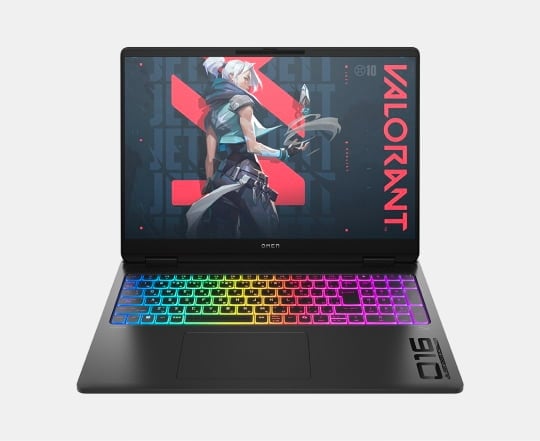
We see this model fitting home users, students and desk-based workers who value a roomy screen and occasional portability. It is less convincing for frequent commuters or anyone who expects a notebook to behave like a compact travel device.
The OmniBook 5 Flip 14 makes flexibility its main case
The HP OmniBook 5 Flip 14 takes a different route. Its convertible design is aimed at readers who want a conventional laptop when working but a more flexible screen position for reading, presenting or casual use.
This is a more specific proposition than the large OmniBook 3. The hinge and form factor matter only if you will actually use them, and the smaller display gives up some working area in exchange for a more adaptable footprint. We would check the exact panel, pen support, weight and battery information on the product page rather than assuming every Flip configuration offers the same extras.
- Choose the Flip format when screen flexibility is part of your routine.
- Choose a larger fixed-format laptop when documents and side-by-side windows matter more.
- Compare the supplied accessories because convertible value can depend on what is included.
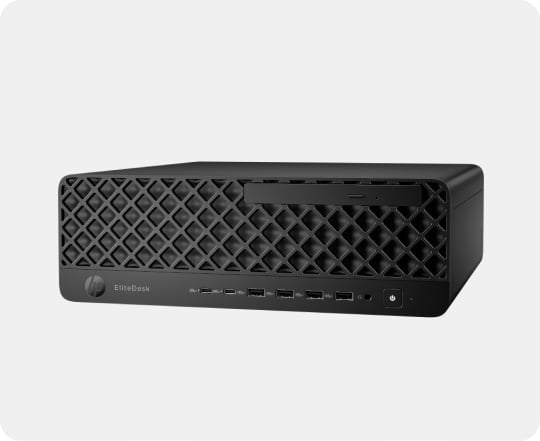
In editorial terms, the Flip is a better fit for a reader with a defined use for its format. Its extra flexibility is not automatically better value if the laptop will remain open at one angle on a desk.
The OmniDesk M03-0008nf suits a settled desk
The HP OmniDesk M03-0008nf is the clearest alternative for a permanent home or office station. A desktop makes more sense when portability is irrelevant and the buyer would rather choose a separate monitor, keyboard and pointing device around a fixed computer.
The benefit is practical rather than glamorous: a desktop can keep the main computer in one place and leave the screen choice open. The limit is the extra setup. Once the display and peripherals are separate, the total cost and desk footprint depend on more than the tower page alone.
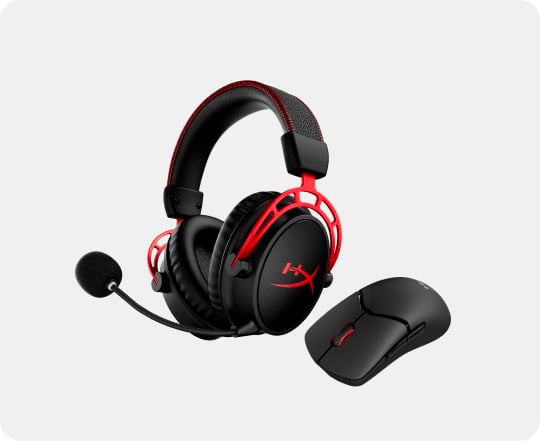
That is where HP’s broader store becomes relevant. A shopper can move from the OmniDesk page to monitors, printers and accessories without changing retailer. The convenience is real, but we would still compare the whole setup rather than judging the computer in isolation.
Direct buying works best when the details are already clear
HP’s direct store is a good match for readers who value first-party documentation and want to keep a purchase within one manufacturer’s ecosystem. It is also useful when support, delivery and return information are part of the decision, not an afterthought.
Before opening a product page, we would write down the job the machine must do. Then check:
- Workload: office work, creative applications, gaming or a mix.
- Format: portable laptop, convertible or fixed desktop.
- Screen: size, resolution, finish and the number of displays needed.
- Ownership: included software, support terms, delivery and return conditions.
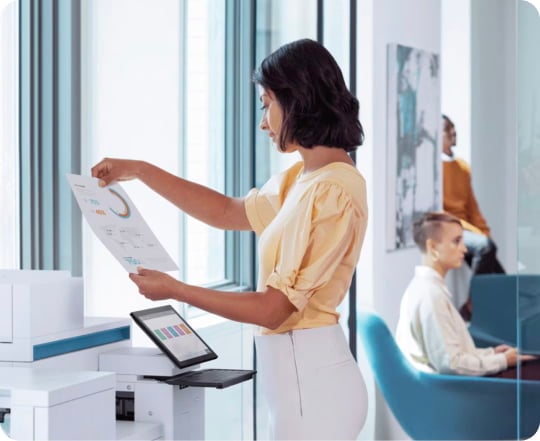
The store’s range can then work in its favour: laptops for mobility, desktops for a settled station, monitors for screen expansion and printers or accessories for the surrounding workflow. The cost is driven by configuration and extras, so the sensible next step is always to check the current product page rather than rely on a remembered listing.
Before you decide
Our recommendation is qualified but positive: HP’s direct store is worth considering for readers who want a broad first-party catalogue, clear product families and support information in one place. The OmniBook 3 17 is the sensible large-screen laptop direction, the OmniBook 5 Flip 14 is for genuine convertible use, and the OmniDesk M03-0008nf is the better starting point for a settled station.
The honest limitation is that the catalogue does not make configuration choices disappear. Buyers who have not defined their workload, screen needs and desk setup may find the range overwhelming. Check the exact specification and current price on the regional store before committing.
HP’s direct store is a sound choice when you want first-party range and support, provided you choose by workload rather than brand familiarity.