

A step-by-step way to choose between a simple shop builder, managed WooCommerce and a custom tool based on what your website needs to handle.
Choosing a website service is easier when the decision starts with the job, not the feature list. A small catalogue, a growing WordPress shop and a custom booking or workflow tool ask for different kinds of setup.
We reviewed the product information on the Ireland site to map those needs to the Register365 services. The practical question is how much control, store complexity and ongoing upkeep your project really calls for.
We may earn a commission when you buy through links on this page, at no extra cost to you.
Key facts: Register365 offers an ecommerce website builder for a more guided shop, managed WooCommerce for WordPress stores, and Macaly AI for custom websites and apps. Start with the task your site must handle, then compare editing, flexibility and maintenance. Plan details and current costs vary by service and selected options.
Start with the work your website needs to handle
Write down the one action a visitor must be able to complete: browse a small product range, order from a larger catalogue, book an appointment, or use a custom tool. That answer narrows the field more effectively than choosing a service because it has the longest feature list.
- Show and sell a focused range: a guided builder may cover the essentials.
- Run a WordPress store: WooCommerce gives the shop the WordPress environment.
- Support a distinct workflow: a custom build tool may be relevant when standard pages are not enough.
Keep the first version in scope. A basic shop with products and checkout has different demands from a store that needs unusual product rules, integrations or content workflows. This distinction helps prevent paying in time and complexity for control you will not use.

AI Website Builder suits a standard shop brief
The AI Website Builder ecommerce website is the Register365 route to consider when the goal is a conventional online shop with guided building tools. Its product page describes an ecommerce builder, while the site’s image materials highlight inventory and marketing features. It is a practical starting point when you want to organize products and present a clear storefront without centering the project on WordPress.
Before choosing it, list the content and store functions your launch needs. Confirm that the builder supports the product organization, checkout flow and editing routine you expect. The ecommerce website option is worth comparing if you prefer an integrated route, while the pictured inventory tools suggest it is intended to cover day-to-day shop management.
- Count the product types and variations you plan to display.
- Check who will update descriptions, images and stock information.
- Review the available payment and delivery settings on the service page.
The AI Website Builder is most straightforward when needs are conventional. This route is less compelling if your brief depends on extensive WordPress plugins or bespoke behavior. In that case, a more flexible store platform may fit better.

Managed WooCommerce fits a WordPress store
Managed WooCommerce is aimed at people who want a shop within WordPress and prefer hosting support with that platform. Register365 describes it as managed WooCommerce hosting, and its page imagery presents online shop and payment contexts. Managed WooCommerce brings a distinct platform choice. The deciding factor is whether the WordPress ecosystem is valuable to your store, not simply whether the word “managed” sounds convenient.
Compare the Managed WooCommerce service with your expected operating habits. Think about who will maintain product data, choose extensions and review updates. A hosted managed plan can handle parts of the platform upkeep, but it does not remove the need to make decisions about your store’s content, settings and business processes.
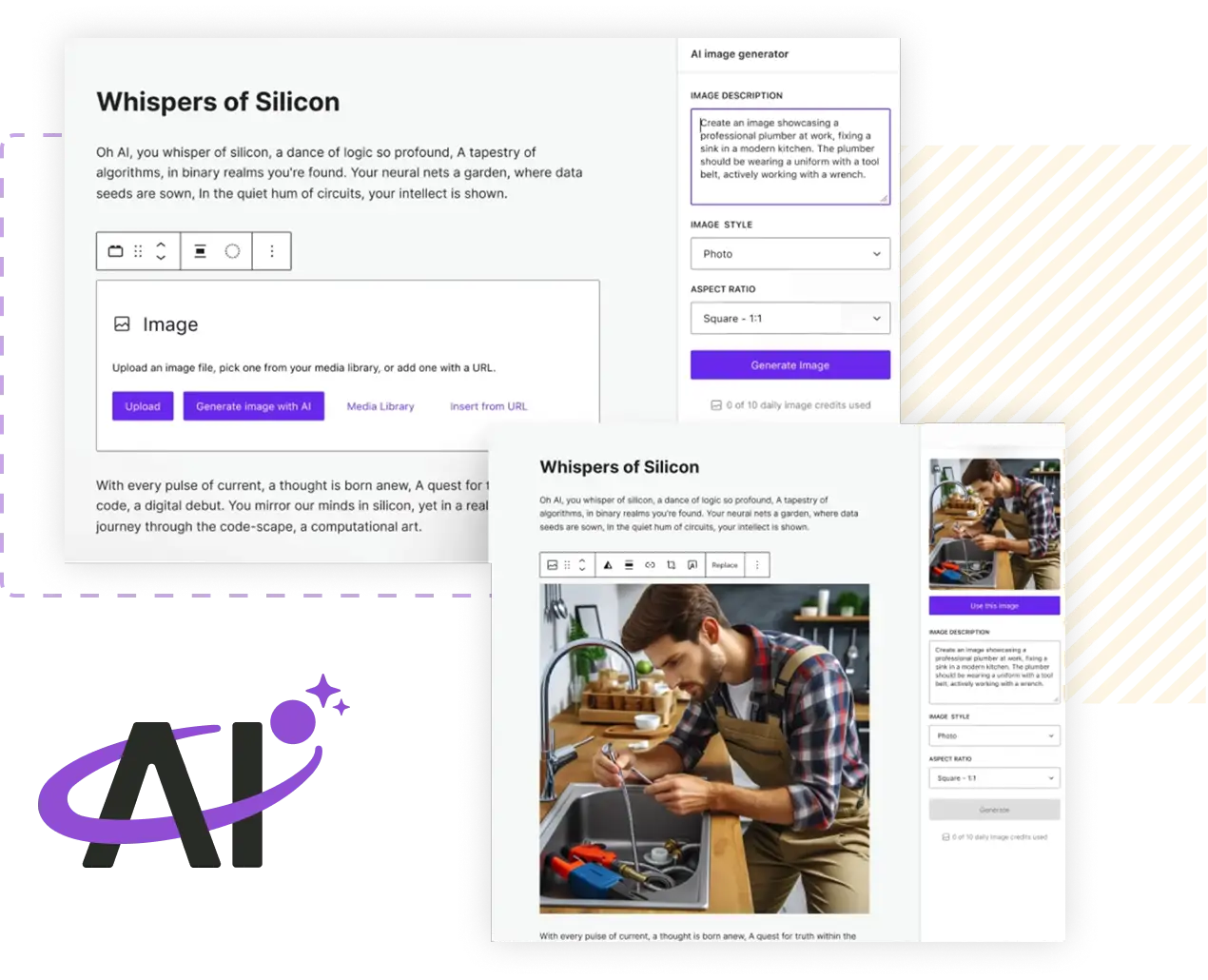
Use this route when you already know WordPress is the right foundation or want its broader flexibility. Ask what maintenance is included in the selected plan and what remains your responsibility. Those details affect the workload as much as the store features themselves.
Macaly AI is for ideas that need custom behavior
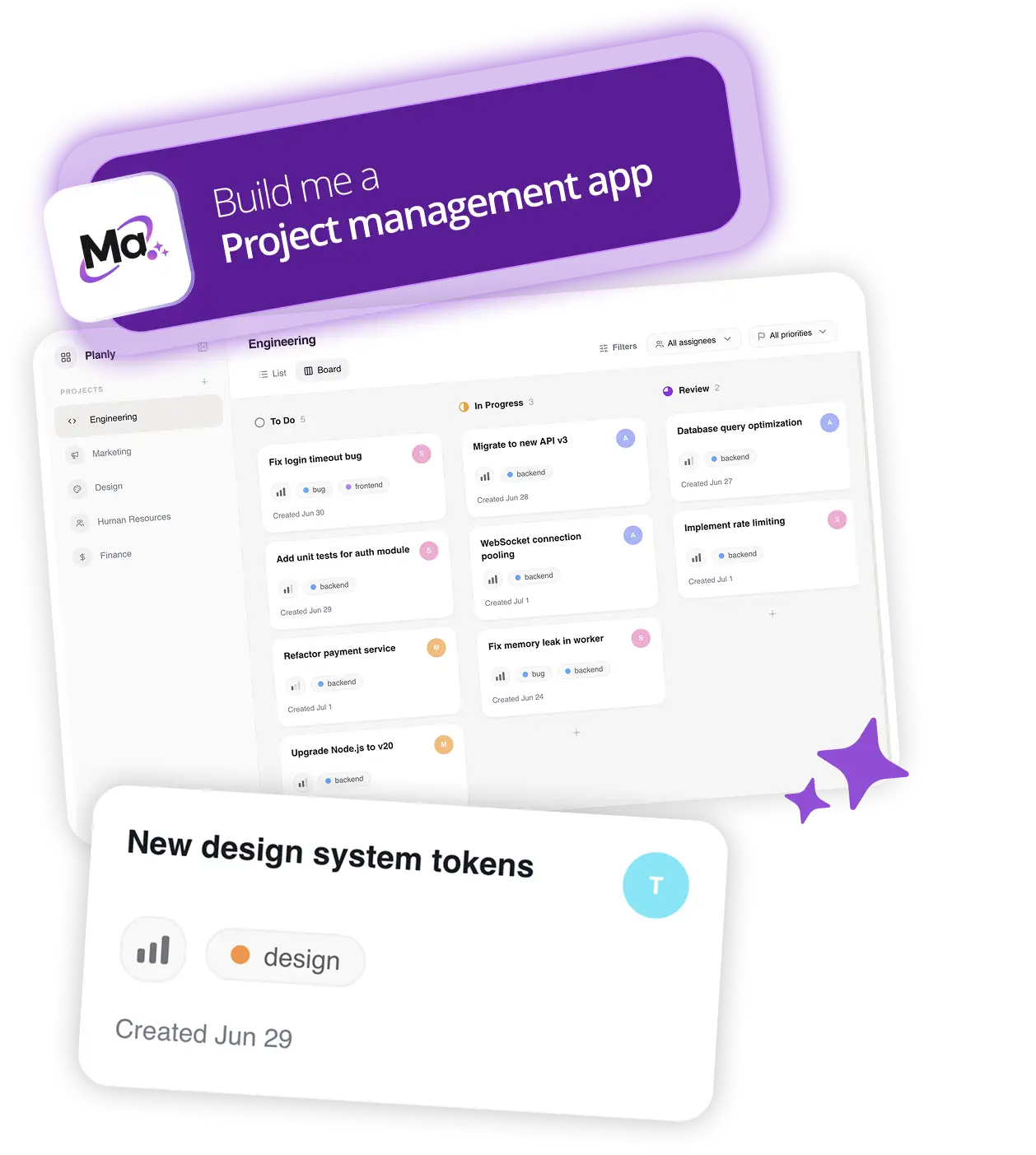
The Macaly AI Vibe Coding Tool is described by Register365 as a way to create websites, apps and business tools from an idea. Its gallery includes examples such as a project management tool. The Macaly AI Vibe Coding Tool serves a different kind of project. Consider this option when your requirement is closer to a specific workflow or interactive tool than a conventional brochure site or product catalogue.
Make the desired behavior concrete before exploring a custom route: who uses it, what information goes in, and what result should come out? The Macaly AI tool may help shape a concept, but the product description alone does not establish that every complex feature or integration will be ready without further work. Check the current service scope against your requirements.
Compare control and upkeep before committing
These three services solve different setup problems. Use this compact check to test your fit before looking at plan terms:
| Route | Best fit | Check before choosing |
|---|---|---|
| AI Website Builder ecommerce website | Standard shop and guided editing | Catalogue and checkout needs |
| Managed WooCommerce | WordPress store with managed hosting | Included maintenance and extensions |
| Macaly AI Vibe Coding Tool | Custom app or business workflow | Feature scope and follow-up work |
Also check how you will keep the site current. A builder can simplify routine content changes; WordPress offers a larger ecosystem that can bring additional decisions; a custom tool depends on the behavior you define. Consider the skills and hours available in your team, not only the launch checklist.

Before you decide
For a straightforward shop, begin by checking AI Website Builder ecommerce. Choose Managed WooCommerce when WordPress flexibility is part of the requirement, and consider Macaly AI when the project needs custom behavior. We recommend deciding from a short list of launch requirements, then verifying plan inclusions and current costs on the Ireland site.
The main limitation is that the Register365 options overlap at the edges, and a product page cannot settle every implementation detail for your project. Confirm support, maintenance, integrations and plan terms before you commit.

Choose the simplest Register365 route that covers your required site tasks, then verify its plan scope before starting.