

A practical guide to matching Register365’s ecommerce builder, managed WooCommerce and Macaly AI to the work your business needs during its busiest trading season.
Seasonal trading can put new pressure on a small business website. The right website route depends on your seasonal priorities.
Register365 offers an ecommerce builder, managed WooCommerce and Macaly AI, alongside domains, hosting and business email. This guide uses the provider’s Ireland-store product information to compare how those routes are positioned and where each may fit.
We may earn a commission when you buy through links on this page, at no extra cost to you.
Key facts: Our guide assessment is that the AI Website Builder ecommerce website is the clearest starting point for a standard online shop. Managed WooCommerce is for merchants who want WordPress and WooCommerce with platform maintenance handled, while Macaly AI Vibe Coding Tool addresses custom websites, apps and business tools. Choose according to product range, desired control and the maintenance work your team can own.
The ecommerce builder keeps a standard shop in scope
The AI Website Builder ecommerce website is presented as a way to build and manage a shop using templates and drag-and-drop editing. That makes it the clearest starting point if your seasonal priority is adding products, presenting them consistently and taking orders through a conventional storefront.
Register365 also describes selling tools such as inventory management and payment acceptance. A business with a familiar catalogue and straightforward fulfilment may value having these storefront tasks grouped in one builder. It is sensible to map your product variants, shipping rules and payment needs against the plan details before committing, because a simple setup only helps if the shop’s actual workflow fits it.
- Good fit: a small or growing catalogue and a conventional online checkout.
- Useful to check: product limits, payment methods, delivery settings and how seasonal edits are made.
- Potential constraint: a drag-and-drop builder may offer less control than a WordPress-based shop when the workflow becomes unusual.

Managed WooCommerce adds WordPress control and upkeep
Managed WooCommerce is aimed at a different kind of shop: one that wants WooCommerce within WordPress and wants Register365 to handle platform maintenance. Register365 describes the service as combining ecommerce flexibility with managed care. That could suit a merchant already invested in WordPress or one whose content and store need to sit together.
For seasonal planning, flexibility can be useful when campaigns need dedicated pages, varied product content or extensions. It also creates choices that should be reviewed in advance. A larger ecosystem means checking plugin compatibility, backups, update responsibility and how checkout changes will be managed. The Managed WooCommerce overview is the place to verify the service scope. The provider’s managed role does not remove the need to understand what your team owns.
- Choose WordPress when site content and commerce need to work together.
- List the plugins and integrations your store depends on, including shipping and payment tools.
- Confirm which updates, backups and support tasks the managed plan covers, then check the current managed service details.

Macaly AI suits a brief beyond a standard storefront
Macaly AI Vibe Coding Tool takes a more open-ended approach. Register365 says Macaly can build websites, web apps and business tools from an idea. Its Macaly AI product page outlines that custom-build direction. This makes it relevant when a seasonal project needs a tailored booking flow, internal tool or customer experience that a conventional shop template cannot readily provide.
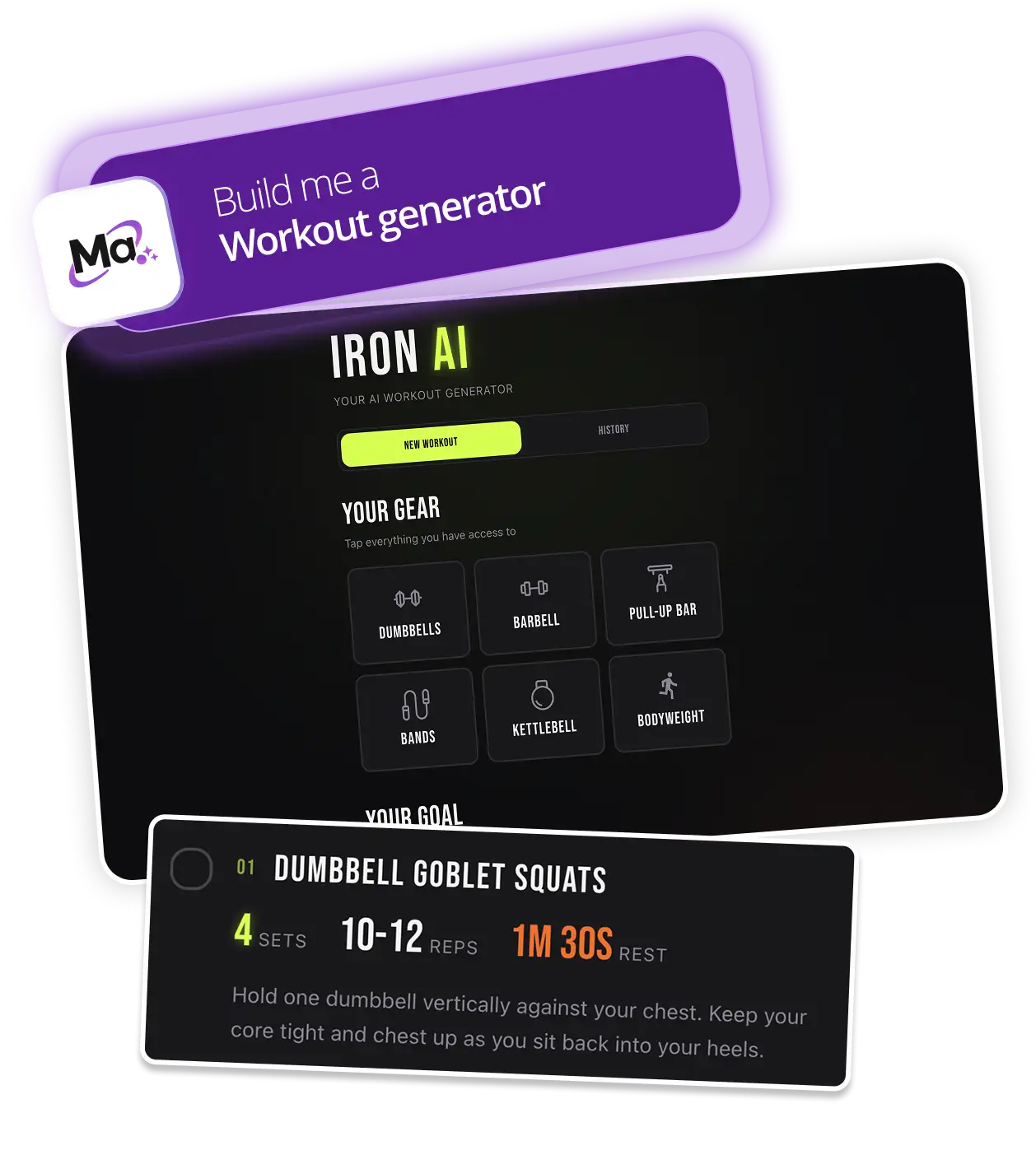
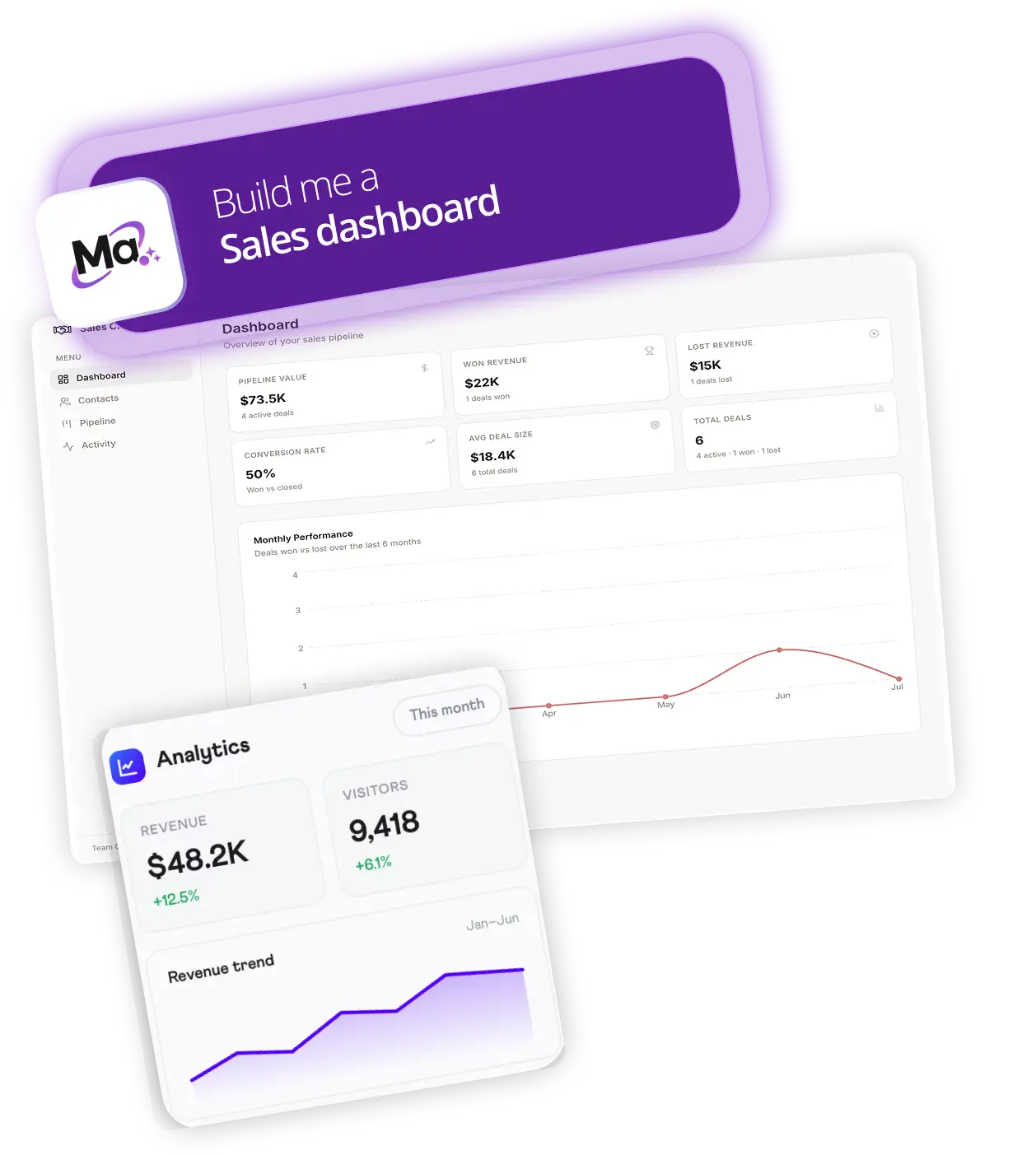
The open brief is also the limitation. A custom tool, such as a workout generator or project dashboard, needs a clear specification, decisions about the data and services it connects to, and a plan for maintaining it after launch. It may be unnecessary for a routine storefront, where a builder or WooCommerce setup offers a clearer starting scope.
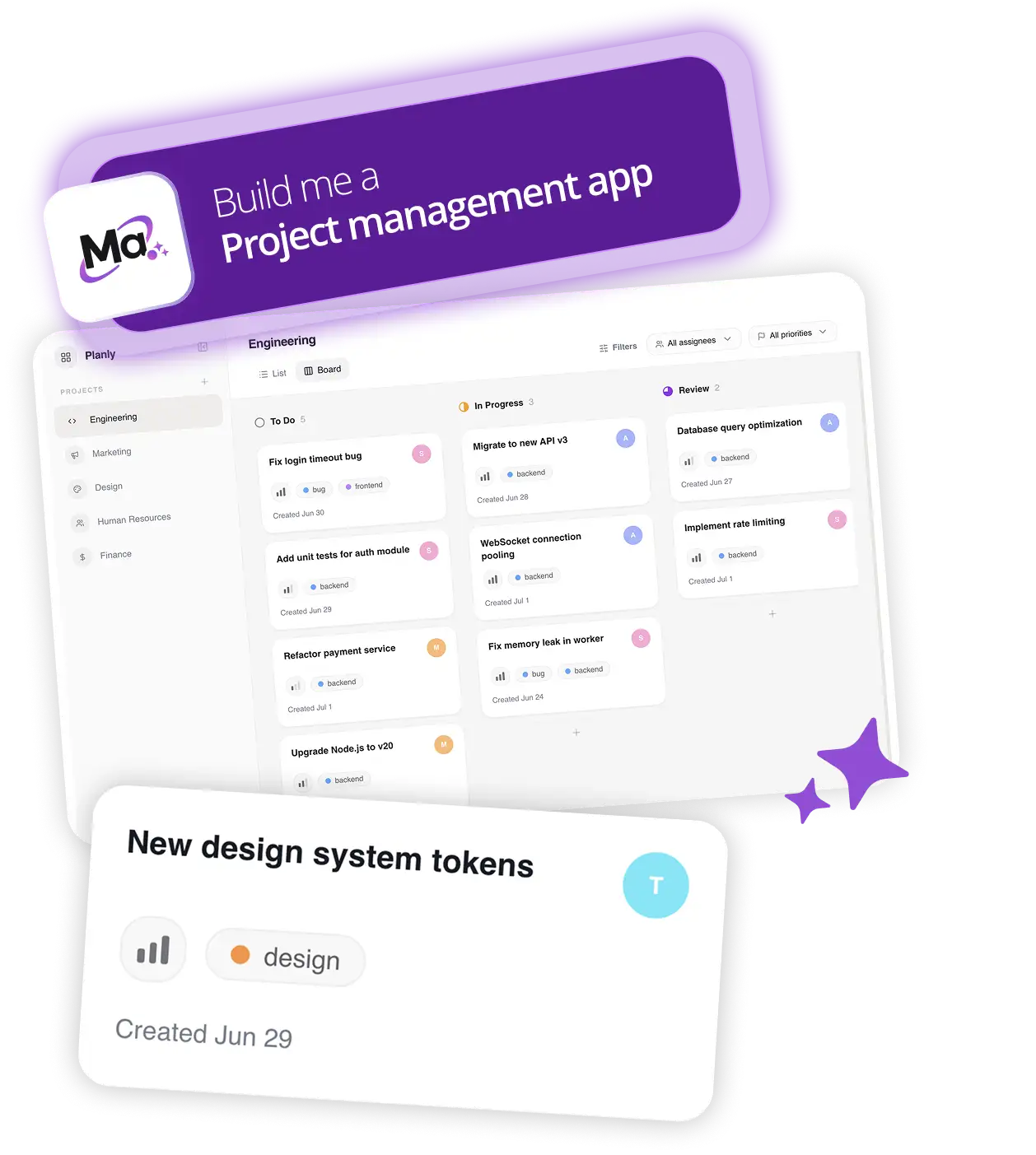
Before exploring Macaly AI, write down the user, the task they need to complete and the information the tool must handle. If those points are still vague, spend time clarifying the service before choosing a build route. Revisit the Macaly AI scope once the brief is concrete. Register365’s description is broad, so confirm the practical scope and support available for your intended project.
- Describe the customer problem in one sentence.
- Sketch the essential pages or workflow, including checkout or booking if needed.
- Identify integrations, content updates and ongoing ownership before launch.
Three routes cover different levels of shop complexity
Use this compact comparison to shortlist the route, then confirm the exact features and terms on the Ireland store.
| Register365 option | Best fit | Advantage | Trade-off |
|---|---|---|---|
| AI Website Builder ecommerce website | Standard shop and direct editing | Templates and drag-and-drop editing for a standard shop | Check product, payment and delivery requirements against plan terms |
| Managed WooCommerce | WordPress-led shop with maintenance | WordPress and WooCommerce with platform maintenance | Check plugin compatibility and what maintenance covers |
| Macaly AI Vibe Coding Tool | Custom website, app or business tool | Can address a custom website, app or business tool | Requires a defined brief and confirmed support scope |
Which platform is easiest? For a conventional store, the ecommerce builder presents the most contained starting point. Is custom functionality essential? Then examine Macaly AI or WooCommerce against the specific workflow, rather than selecting a more flexible platform by default.
Plan details answer the final setup questions
Product and payment limits depend on the selected plan
Register365 describes the builder as supporting shop setup and selling tools, but the product pages do not settle every plan limit in this guide. Confirm catalogue capacity, payment methods and delivery settings for the tier you are considering.
Managed maintenance still needs a clear boundary
The service is described as managed WooCommerce, with platform maintenance handled. Before seasonal changes, ask what updates and support are included and what remains with your team.
Custom builds need integration and ownership answers
For Macaly AI, verify the intended integrations, content changes and ongoing ownership during scoping. These details depend on the project rather than a standard storefront checklist.
A short launch plan reduces seasonal friction
Whichever route you choose, prepare the work around the platform. A shop launch is a collection of decisions about stock, content, delivery and customer communication. In a busy trading window, making those decisions in advance reduces the chance that the website itself becomes the bottleneck.
- Audit the current site and list what must change for the season.
- Check product information, images, stock handling and checkout on the chosen setup.
- Confirm who can update the site and where support fits into the launch plan.
- Leave time to review the completed customer journey before promoting it.
Before you decide
For a typical seasonal shop, start with the AI Website Builder ecommerce website and verify that its product, delivery and payment tools match your needs. Choose Managed WooCommerce if WordPress flexibility matters and you want maintenance handled; consider Macaly AI when the job is genuinely a custom web tool. The main limitation across all three is that the product descriptions do not answer every question about plan scope, support boundaries or integrations, so check those details directly before signing up.
Our recommendation is to choose the least complex setup that covers the customer journey you actually need, then prepare catalogue and campaign changes before traffic rises.
For a standard seasonal shop, begin with the ecommerce builder; move to managed WooCommerce or Macaly AI only when your workflow needs their added flexibility.