
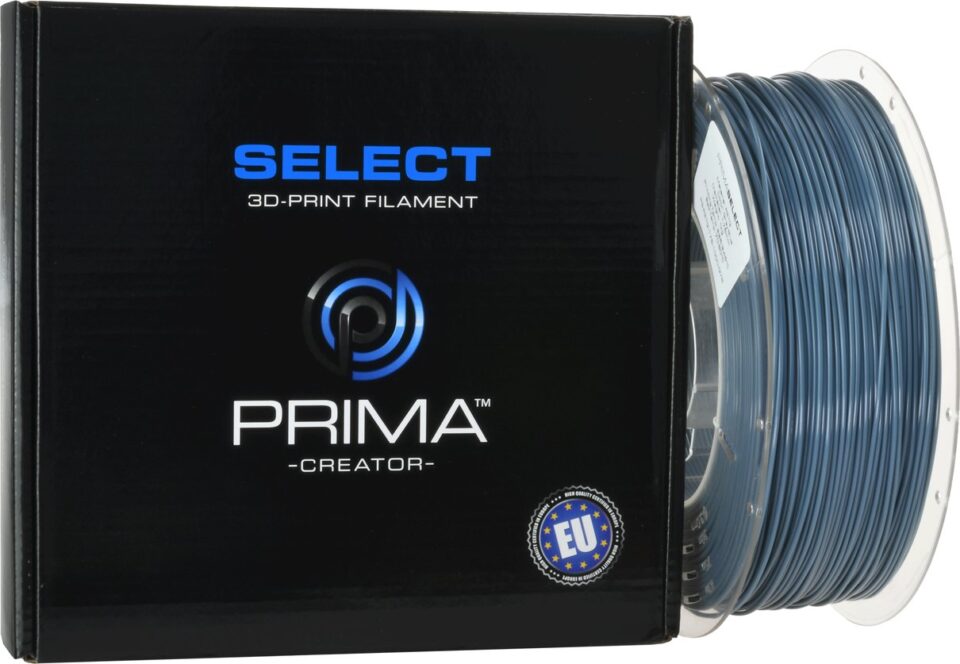
A research-led look at the UK retailer’s printers, scanners and materials, with the practical strengths and checks that matter before choosing a specialist store.
A specialist 3D-printing shop can save time when a project calls for more than a printer: filament, scanning equipment and other tools all affect the workflow. But a broad catalogue does not by itself tell a buyer whether the range is easy to navigate or whether a particular machine fits their setup.
We reviewed the publicly available UK store information and selected product listings for 3D Prima Technology. The picture is of a substantial maker-focused range with useful model detail, alongside the usual need to verify compatibility, configuration and service terms before ordering.
We may earn a commission when you buy through links on this page, at no extra cost to you.
Key facts: The UK store covers printers, filament, scanners and laser equipment. Listings such as the Creality Hi Combo, Creality Pika and PrimaValue PLA+ show how varied the offering is. It suits shoppers comparing a defined making project, provided they check the exact variant and requirements on each product page.
A specialist catalogue connects machines with materials
The strongest case for 3D Prima Technology is range cohesion. Instead of presenting only printers, the store brings together equipment and consumables used at different stages of making: printing, scanning, material selection and, elsewhere in the catalogue, laser work. That is relevant to hobbyists expanding a setup and small studios sourcing more than one part of a workflow.
There is a practical advantage to being able to compare categories in one place. A buyer can start with a use case, then check whether a machine, material or scanning tool belongs in that plan. The store’s product pages provide model-specific descriptions and specifications, so the research need not stop at broad category names. Our review is based on those published pages, not hands-on use.
That breadth comes with a trade-off: a large range can make the first decision harder if the project is still vague. A novice who has not settled on build size, material or desired level of automation may need to do some homework before browsing. The retailer’s specialist focus helps once the need is defined; it cannot choose the right machine for an unspecified job. A reader weighing colour work can begin with the Hi Combo’s CFS description, while anyone exploring object capture can compare the Pika’s listed scanning modes.
- Useful breadth: printing hardware and related tools sit alongside filament.
- Specific listings: individual product pages describe features and specifications.
- Buyer responsibility: compatibility and intended use still need matching to the exact model.

The Hi Combo centres on managed colour changes
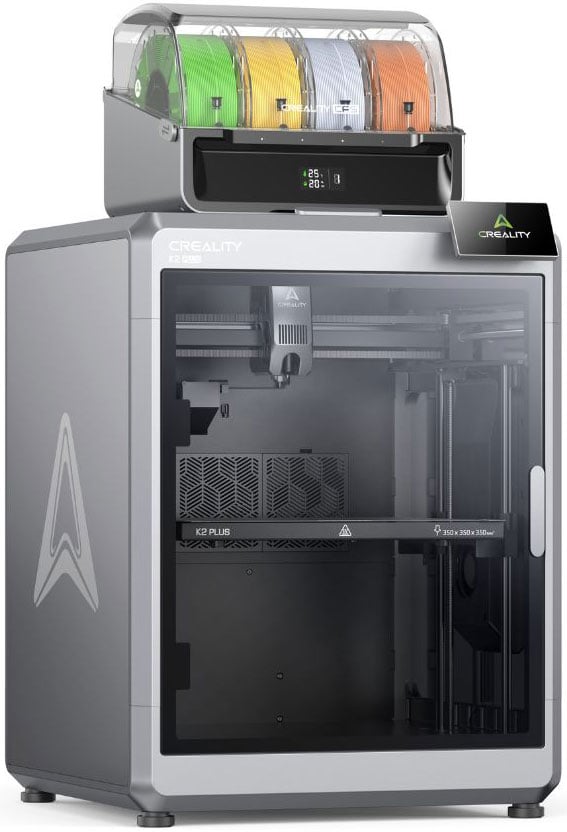
The Creality Hi Combo is a printer-led option for people interested in multi-colour work. Its listing describes Creality’s Color Filament System (CFS), which automates filament switching and provides airtight storage. The store says up to four CFS units can support prints in as many as sixteen colours. Those details make the system’s appeal concrete: it is aimed at people who expect colour changes to be part of the job, rather than occasional decoration.
Automation is a real convenience proposition, but it also adds system complexity. A buyer should review the included configuration, space requirements, supported materials and setup guidance instead of assuming every Hi model or bundle is identical. The combination makes most sense when the colour workflow itself justifies the extra components. For simple single-colour parts, a less elaborate printer may be a better match. The Creality Hi Combo listing is the place to confirm which CFS components are included; the PrimaValue PLA+ page is useful for checking one compatible-material candidate against the printer documentation.
- Consider it when repeated colour switching is central to the project.
- Confirm the bundle and accessories rather than relying on a general product-family description.
- Check whether the added workflow complexity is worthwhile for the prints you make.
Pika and PrimaValue serve different steps in a project
The Creality Pika 3D Scanner represents a different kind of purchase: it helps capture objects for digital work rather than produce a print directly. The listing describes a handheld, AI-assisted scanner combining seven parallel blue laser lines with NIR structured light. Blue laser mode is positioned for detailed capture of smaller objects and complex contours. That combination could interest makers who want to reproduce or modify physical objects, though scanning is its own skill and the product description alone cannot establish how it will perform for every surface or workflow. The Pika product page gives the mode details to compare with your target objects before choosing.
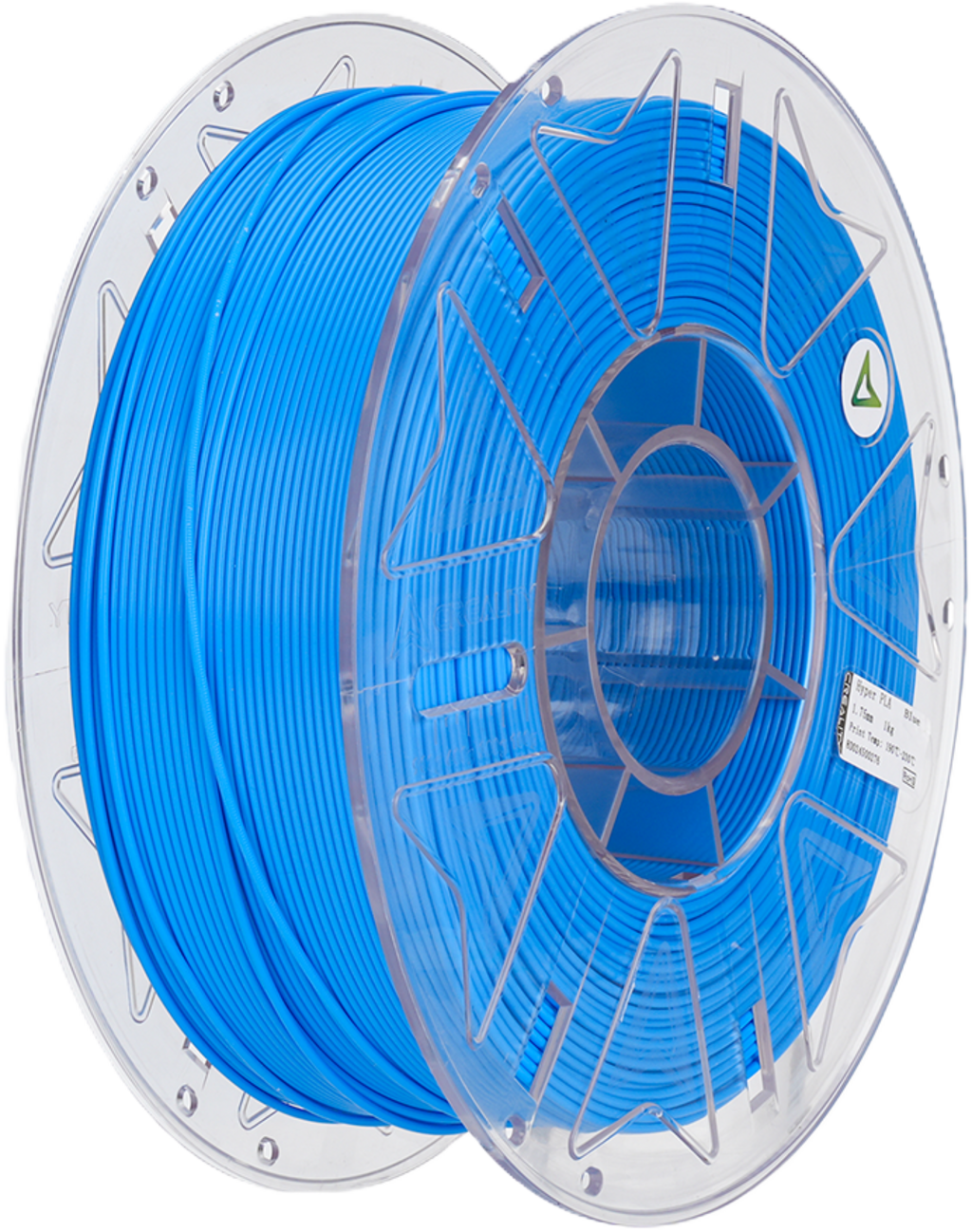
For material, PrimaValue PLA+ is listed as 1.75 mm filament on a 1 kg spool. The brand describes smooth extrusion as an aim of its manufacturing, but buyers should treat this as the maker’s description and confirm their printer accepts the diameter and material. PLA+ is a familiar material option for routine printing, while the exact colour or variant may affect the listing selected. Review the PrimaValue PLA+ specifications alongside your printer’s accepted filament diameter, and use the Hi Combo details if that is the machine you are considering.
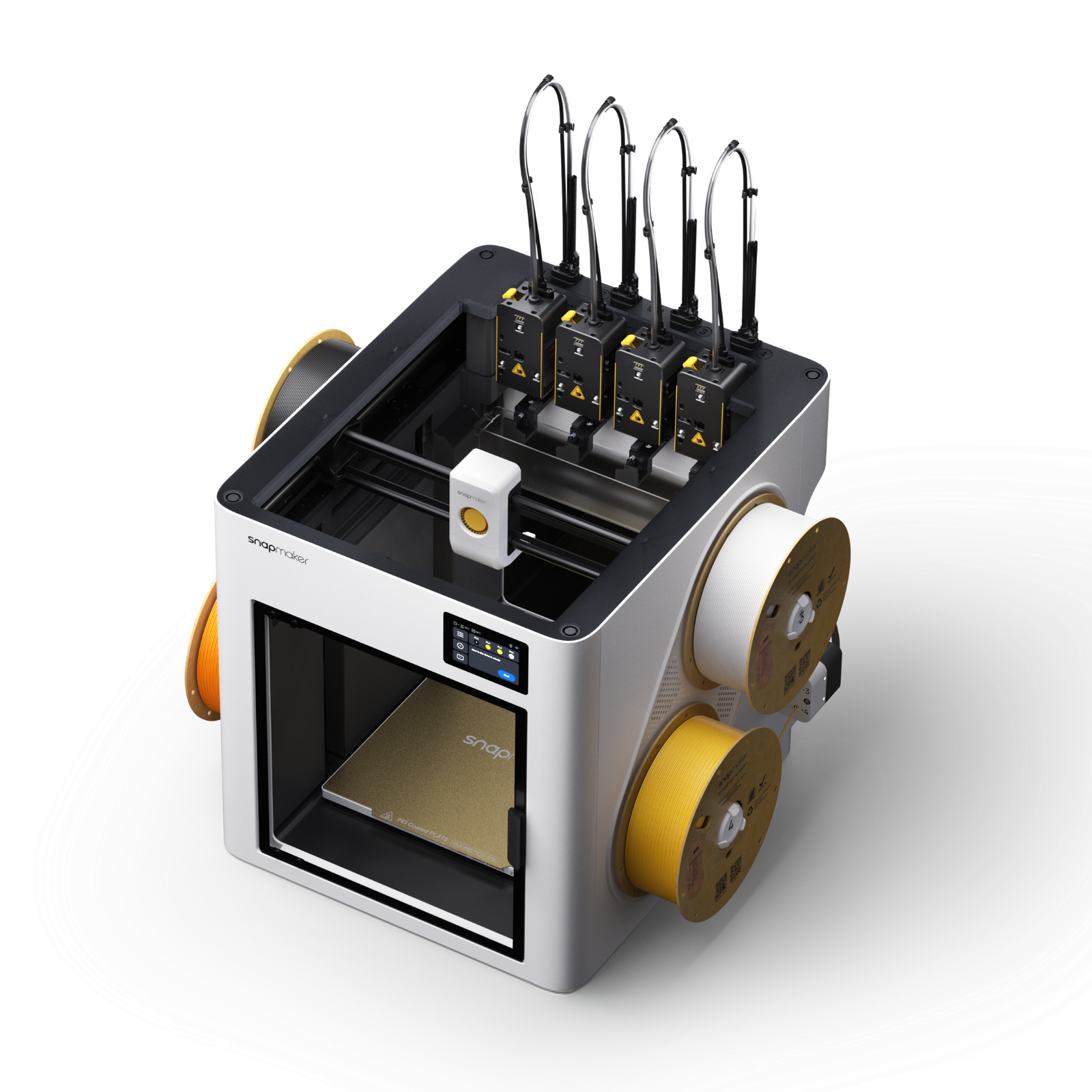
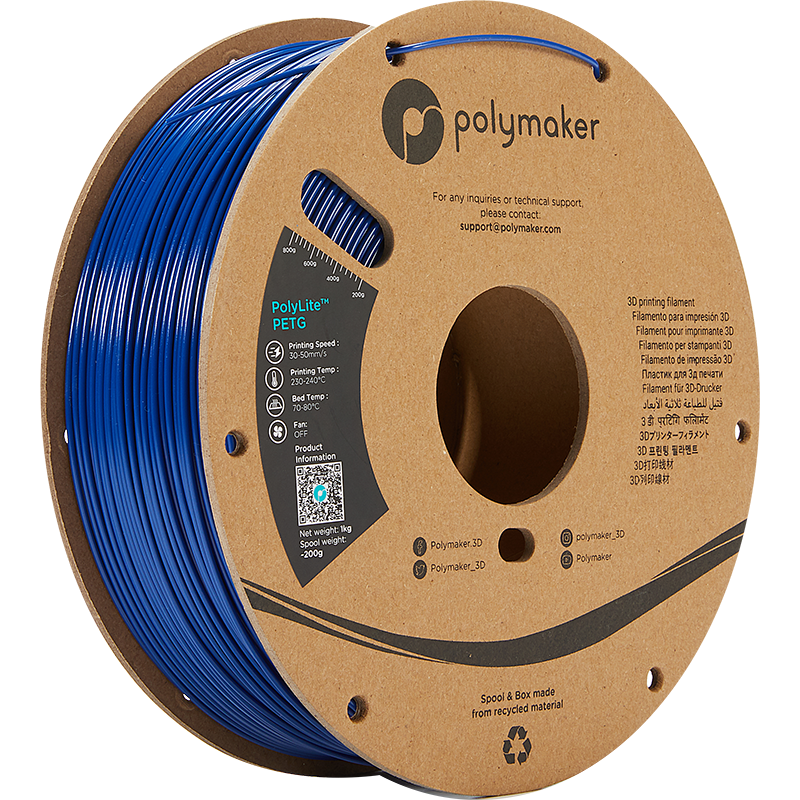
Material selection is another decision point. Listings such as PrimaValue PLA+ and the separate PETG options illustrate why buyers should match the material to their printer and project.
Service details deserve a separate check
The store provides UK-facing information about delivery, warranty and returns, which is helpful for an equipment purchase where after-sales terms matter. These details can change and may vary by product or situation, so buyers should read the relevant policy pages and the individual listing before committing. Do not infer a service promise from the presence of a policy page alone.
Before choosing a product, we would check:
- That the selected model and bundle match the intended process.
- Material diameter, supported filament types and any required accessories.
- For scanning, the target object’s size, surface and the software workflow.
- Current availability, delivery information, warranty and returns terms on the UK store.
Before you decide
We recommend 3D Prima Technology to UK makers who want a specialist catalogue spanning hardware and materials, and who are comfortable comparing model-specific details. The Hi Combo has a clear use case for colour-focused printing, the Pika brings scanning into the mix, and PrimaValue PLA+ provides a familiar consumable option. Together, they show how the store spans equipment and consumables within one specialist catalogue.
Our limitation is equally clear: a broad range and detailed listings do not remove the need to check compatibility, bundle contents and service terms. If you want a simple recommendation without first defining the project, start by narrowing the job and then compare the relevant product page. For informed makers with a specific need, the UK store is worth considering. You can revisit the printer and CFS listing, the scanner specifications or the filament product details depending on the step you need to solve.
Our recommendation: shortlist 3D Prima Technology when you have a defined making need and are ready to verify the exact configuration.