

Compare Register365 booking, ecommerce and lead-capture services by the customer task each one supports, then check the current terms for your needs.
Small businesses often need a few connected ways to find and serve customers: a website that can take orders, a booking flow for appointments, or a way to follow up with interested visitors. Register365 presents those needs alongside its domains, email and hosting services.
The useful question is which part of the customer journey needs attention first. The services below address different jobs, and the right choice depends on how customers contact or buy from your business.
We may earn a commission when you buy through links on this page, at no extra cost to you.
Key facts: Register365 offers appointment booking, an ecommerce website builder, visitor lead capture and managed WooCommerce. Each solves a different task; plan features and costs depend on the selected service and terms, so check the current offer details before committing.
Online booking gives service businesses a direct appointment route
For a salon, tutor, consultant or other appointment-based business, the Register365 online booking service is the most direct fit. Its SimplyBook.me imagery and service information point to online appointment scheduling, with customer-facing booking pages and ways to share booking access through social channels. That can reduce the back-and-forth involved in arranging a time.
Explore the online booking link to review the available booking setup. It is most relevant when your work is delivered by appointment or scheduled session, rather than a standard basket and checkout. The visual shows a hair-service booking page, a concrete example of the appointment model rather than a claim that every business will use the same layout.
Before choosing, list the details your booking flow must handle:
- Appointment types: decide whether customers choose one service, a class or an event.
- Availability: check how calendars, staff schedules and booking windows are handled in the plan you select.
- Customer steps: consider whether clients need reminders, deposits or intake details, and verify which features are included.
Register365’s online booking service is worth comparing against your existing calendar process. A booking tool does not by itself create demand; you still need to direct customers to the page and maintain accurate availability.
The ecommerce builder suits businesses selling products online
When a business needs a product catalogue and an online checkout, AI Website Builder ecommerce website addresses a different job. Register365 describes its builder as a template-led, drag-and-drop option, with ecommerce functionality for setting up a shop. That can suit an owner who wants to manage a straightforward storefront without starting with a custom WordPress build.
Review the AI Website Builder ecommerce website features alongside your product workflow. Confirm how the chosen plan handles product listings, payment methods, delivery settings and any integrations you rely on. The service page, not a general marketing description, should settle what is included.

For a small catalogue, a guided builder may keep setup manageable. If your store needs unusual checkout rules, extensive integrations or control over WordPress plugins, compare the requirements with Managed WooCommerce as well. The latter combines a WordPress store with managed platform upkeep, but the extra flexibility also means more decisions about the site structure and extensions.
- Choose the builder route when ease of visual editing and a familiar shop structure matter most.
- Look at Managed WooCommerce when WordPress control and ongoing platform maintenance are central requirements.
- Write down payment, shipping and inventory needs before comparing plan details.
Leadinfo focuses on turning business visits into follow-up
Register365 also lists Leadinfo, a visitor identification and lead-generation service aimed at businesses selling to other businesses. It is not a substitute for an online shop or appointment calendar: its role is to help a company understand which organisations visit its site and support follow-up with potential business leads. This makes it a narrower option for teams with a sales process after the website visit.
See the Leadinfo service details to confirm how identification, reporting and any connected workflows work in the current plan. Before selecting it, define who will review the information and how the sales team will use it. A lead tool has limited value if no one has time to respond or if the audience is mainly individual consumers. Staff time matters as much as the feature list.

For many small firms, the practical sequence is simple: establish a useful website, give visitors a clear next action, then add lead tracking only when there is a team process to act on enquiries. Leadinfo may be relevant further along that path, while a service business may get more immediate operational value from online booking.
Choose by the customer action you need to support
The service pages sit in a broader Register365 offering that includes domains, business email, website services and hosting. That breadth can simplify supplier research, but services remain separate choices and may have distinct plan conditions. We recommend starting with one bottleneck rather than buying a bundle of tools before the workflow is clear.

A quick decision path can narrow the options:
- If clients book time with you, investigate the booking service.
- If customers select physical or digital products, compare the ecommerce builder and Managed WooCommerce.
- If your team sells business-to-business and can follow up on company visits, review Leadinfo.
Then check the service’s current plan terms, onboarding requirements and ongoing costs. Costs can vary with the chosen tier, billing period, add-ons and the work you need the platform to handle. Avoid comparing only introductory headlines: confirm renewal conditions and whether a needed feature is included or an extra.
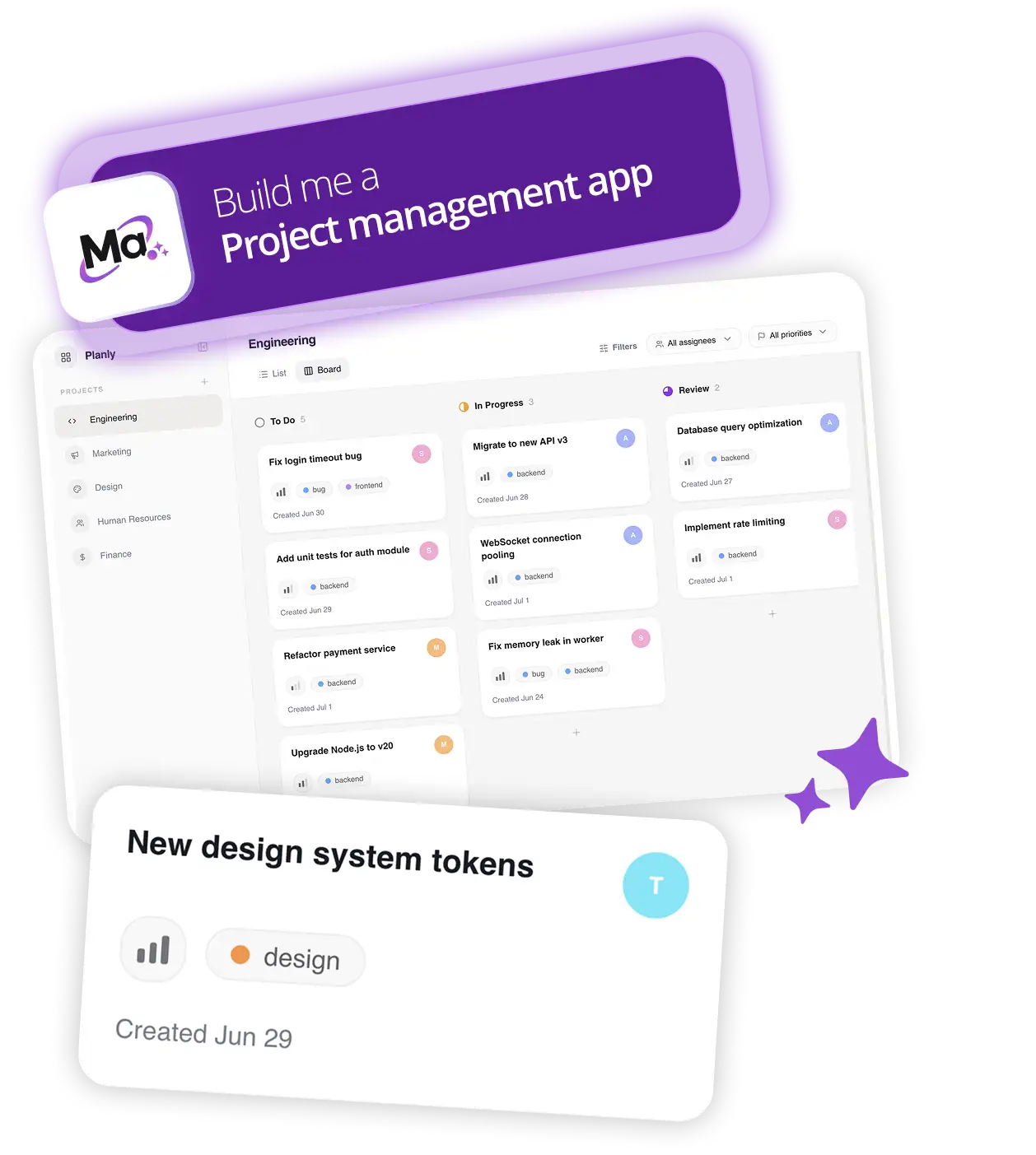
Register365 also offers Macaly AI for creating websites, web apps and business tools from a brief. That is a broader build route, not a direct replacement for a booking calendar or a conventional ecommerce setup. Consider it when the workflow itself is unusual and ready-made options do not cover it, and review the marketing service details separately from any custom project scope.
Before you decide
Our recommendation is to match the service to the action customers need to take: book a session, buy a product or prompt a business sales conversation. Register365 offers options across those needs, along with supporting website and hosting services. The limitation is that a broad range can make comparison harder; the website pages need to be checked for current inclusions, plan conditions and suitability for your workflow.
For a solo appointment business, start by assessing booking; for a simple product catalogue, compare the builder with WooCommerce; and reserve visitor lead capture for a team ready to act on those signals. Use the official service pages to verify the details before choosing.
Choose the Register365 service that supports your next customer action, then confirm its current terms against your workflow.