
A practical comparison of Register365’s app-building, conventional site-building and managed WordPress routes, with a clear fit for each kind of project.
Choosing a website service often starts with a deceptively simple question: do you need a website, or do you need software that happens to run on the web? Register365 presents tools for both, alongside hosting and domain services, so the best fit depends on what the business needs to publish or operate.
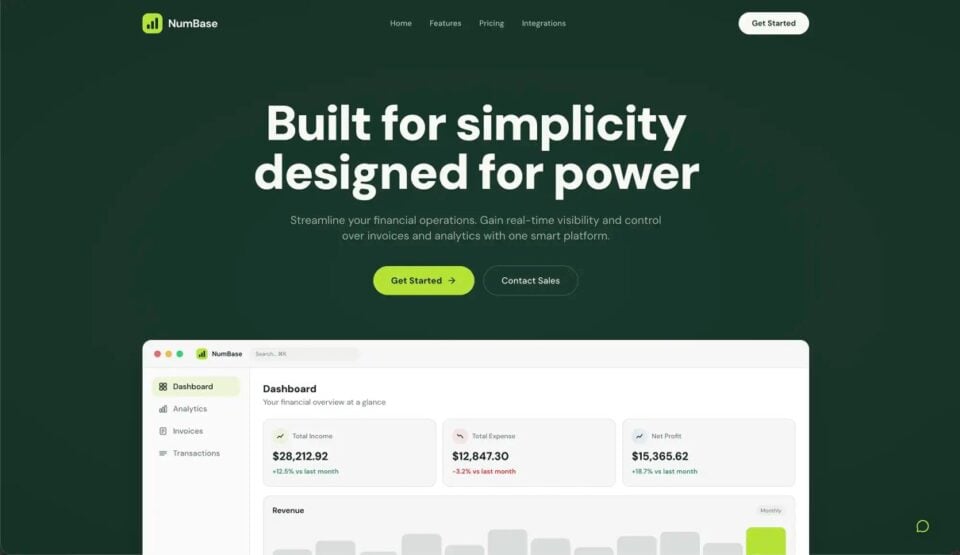
We reviewed the product information on Register365’s Ireland storefront. The pages describe three distinct approaches: Macaly AI for custom web apps and workflows, AI Website Builder for a standard site, and Managed WordPress for customers who want the WordPress platform with maintenance support.
We may earn a commission when you buy through links on this page, at no extra cost to you.
Key facts: Macaly AI Vibe Coding Tool is the specialist pick for a bespoke app or internal workflow. AI Website Builder is the simpler starting point for a business site, while Managed WordPress suits people who value WordPress flexibility and want routine upkeep supported. Compare current plans and included features before choosing.
Three Register365 routes solve different website jobs
The Register365 service pages separate creation from ongoing platform management. That distinction matters: a visual builder can reduce the work of assembling a conventional web presence, while WordPress offers a broader publishing environment, and Macaly is aimed at interactive tools rather than a basic brochure site.
- Macaly AI: custom web apps, calculators, dashboards or workflow tools.
- AI Website Builder: a standard company site with guided creation features.
- Managed WordPress: a WordPress site with support features for updates and transfers.
These are not interchangeable packages. A small business looking for service pages and contact details may have no use for a custom tool. A publisher with an established WordPress workflow may not want to rebuild in a closed visual editor. Starting with the output you need narrows the decision faster than comparing feature labels alone; review Macaly AI details if that output is an interactive tool.
Macaly AI fits a custom tool better than a brochure site
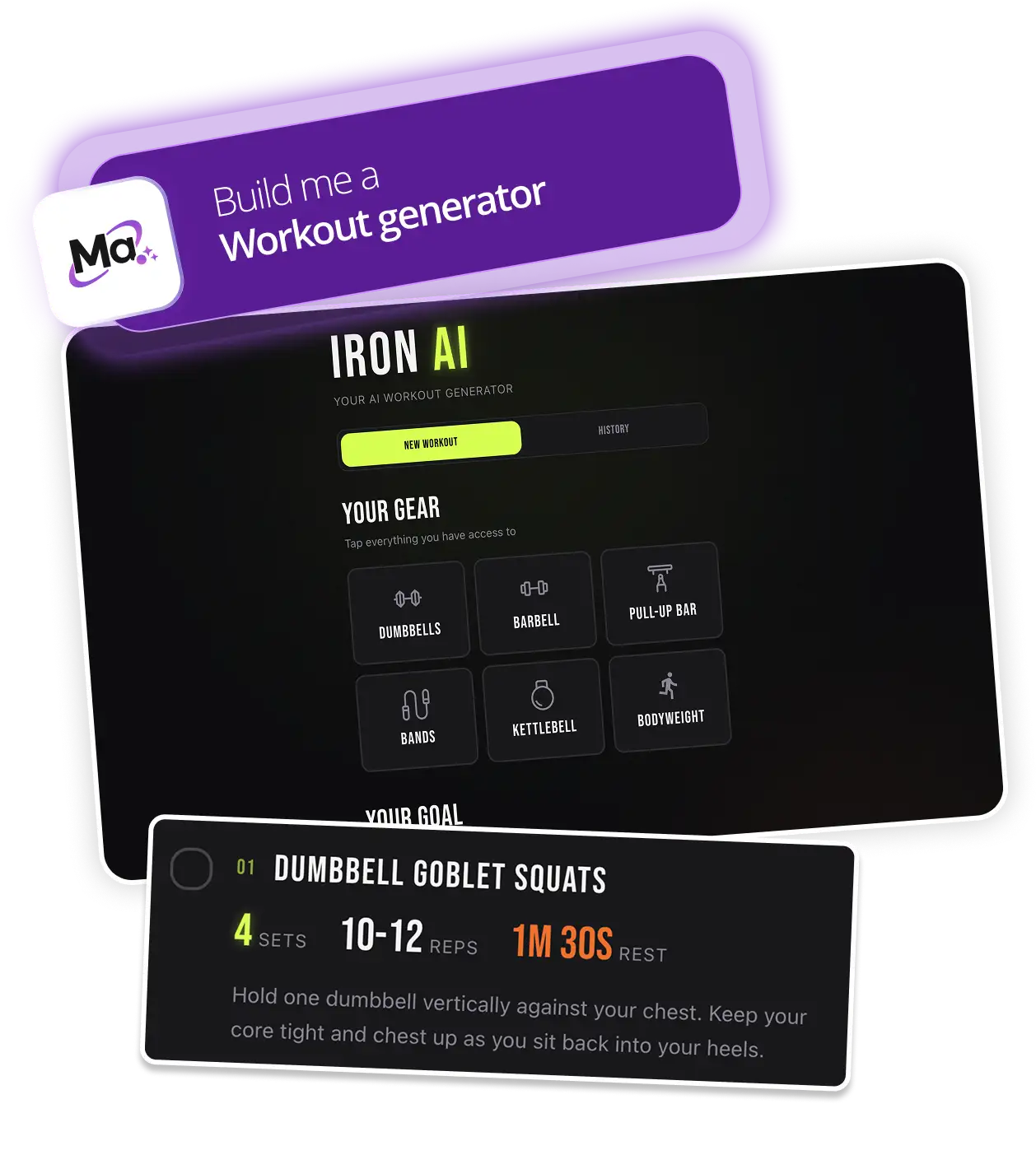
Macaly AI Vibe Coding Tool is Register365’s most specialised option in this group. Its product page frames it around building web apps and tools through an AI-assisted approach, with gallery examples spanning project management and accounting. That makes it the clearest fit when the desired result includes an interaction or workflow, rather than mostly static information. Read the Macaly product description against the functions you need.
The trade-off is scope. If the project is a few pages describing a local service, Macaly may add a layer of planning and iteration that a conventional builder avoids. Prospective users should also check how the service handles the functions, integrations and ownership needs of the tool they have in mind. The gallery shows the type of output, but the exact fit depends on the required workflow.
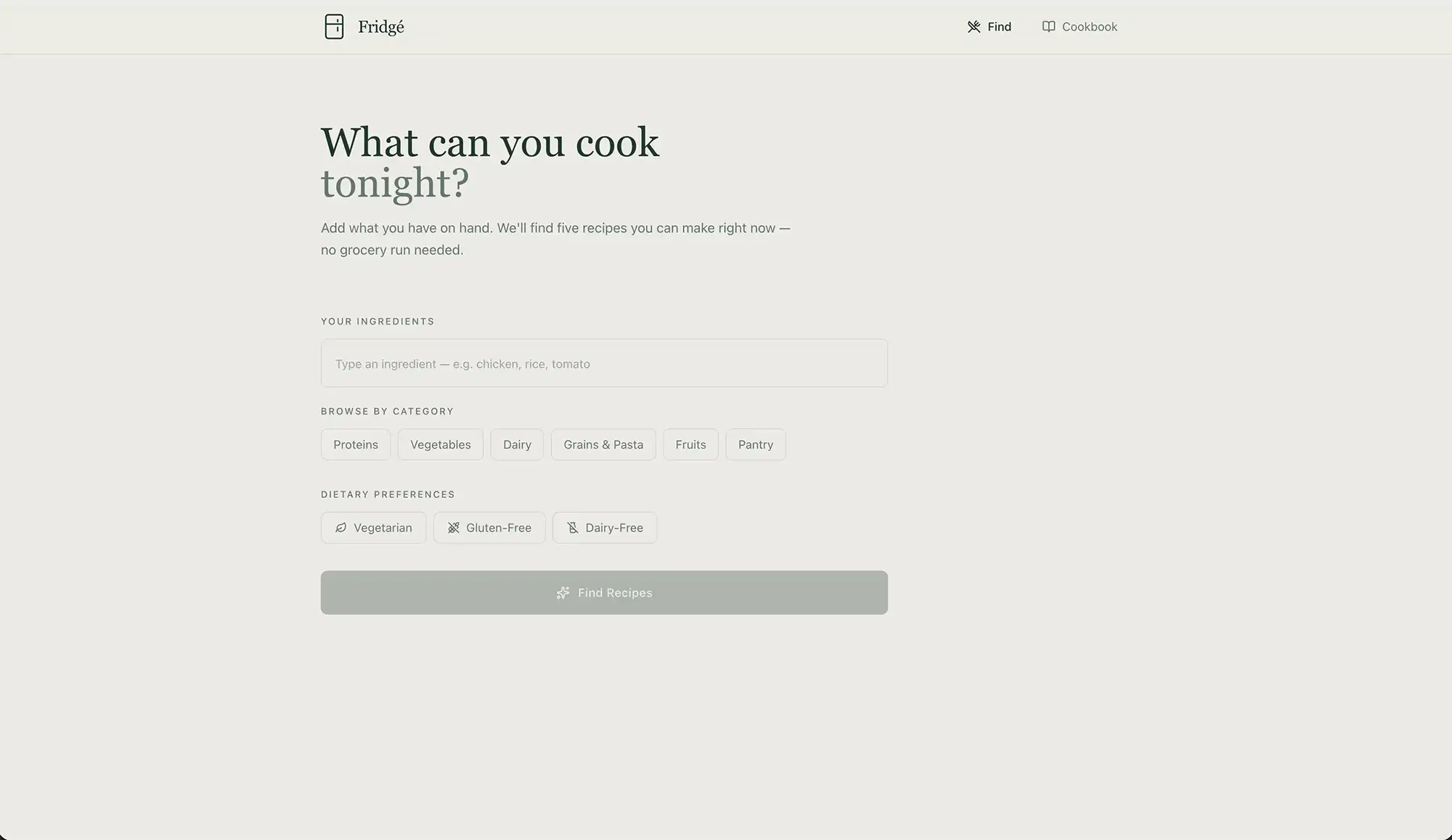
This example makes the distinction between a web app and an informational site visible.
AI Website Builder keeps a standard site in focus
AI Website Builder is the straightforward choice for a business that needs a conventional website and wants guided creation. Register365 highlights website creation, an AI text assistant and marketing features on its Ireland page. Those capabilities address common publishing tasks such as getting initial pages written and setting up a visible online presence. The builder feature list is the place to confirm what is included.
Its advantage is a narrower learning curve for ordinary site goals. A shop, consultancy or trades business can focus on the pages customers need instead of shaping a bespoke application. The limitation is equally clear: businesses that want the flexibility of WordPress or a custom workflow tool should confirm the builder can support those requirements before committing.

For a conventional site, the page structure is usually the more useful comparison point.
- Choose this when pages, contact details and service descriptions are the priority.
- Check editing, publishing and marketing features against the team’s day-to-day needs.
- Review plan length and included extras, which can affect the eventual cost.
Managed WordPress suits an existing publishing workflow
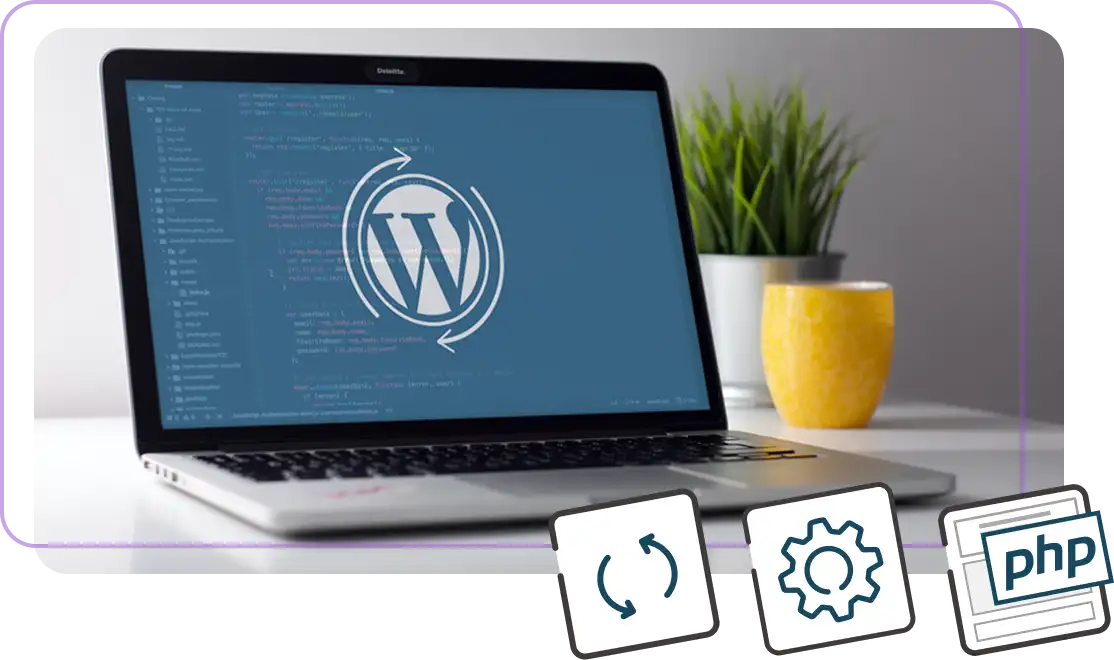
Managed WordPress starts from a different premise: the site will run on WordPress, and the customer wants help with maintenance tasks. Register365 highlights support, keeping software up to date and transfer assistance. This can be a better match for a content-led business, an organisation with WordPress experience, or anyone who values the platform’s ecosystem.
That support does not remove every responsibility. WordPress still involves choices about themes, plugins and content, and the specific service terms determine what is maintained. It may also be more platform than a small, simple site needs. Read the included support and maintenance details carefully if hands-on control or customisation is central to the project; the Managed WordPress page outlines the service.

Support coverage is where managed hosting can differ most from a self-managed alternative.
- Pick WordPress when publishing flexibility matters.
- Check maintenance scope so managed support matches your expectations.
- Consider a builder when the priority is a simple site with fewer platform decisions.
The strongest choice depends on the work to be done
Against typical alternatives, a hosted builder usually prioritises simplicity, while self-managed WordPress offers control but expects more upkeep from the site owner. Register365’s three options map onto that same practical divide, with Macaly adding a distinct app-building path. A buyer should compare support boundaries, portability, included tools and renewal terms, not only the initial setup experience.
| Option | Best fit | Main advantage | Limitation |
|---|---|---|---|
| Macaly AI | Custom web tools | App and workflow focus | Too specialised for basic pages |
| AI Website Builder | Standard business site | Guided website creation | Less suited to custom workflows |
| Managed WordPress | WordPress publishers | Platform flexibility with maintenance features | Still requires WordPress decisions |
For cost comparisons, focus on plan tier, billing period, storage or site limits, support and add-ons. Check the current Register365 terms for each option; a headline entry plan may not include every feature a growing site needs. If migration matters, ask what assistance is covered and what content or settings need to be moved manually.
Before you decide
We would choose AI Website Builder for a standard small-business site, Macaly AI for a custom tool, and Managed WordPress for a WordPress-first publishing operation that values maintenance help. The clearest limitation is that product pages describe broad capabilities; check plan terms and support scope against your actual feature list before signing up.
If you are comparing Register365 with a self-hosted setup or another builder, include migration effort, platform control and ongoing maintenance in the decision, not only how quickly the first page can be created. Check the website builder option and WordPress option side by side.
For most straightforward business sites, start with AI Website Builder; choose Macaly for a tool and Managed WordPress for a WordPress workflow.