
A practical winter guide to matching 3D Prima Technology printers, scanning tools and filament to the projects you want to make indoors.
Long evenings and wet weekends can make small indoor projects appealing: a desk organiser, a replacement clip or a decoration made to fit a particular shelf. The useful question is less “Which machine is best?” and more which part of making you want to do yourself: design, scan, print or experiment with materials.
We reviewed the product information on the UK 3D Prima Technology store to map a few concrete options to those different jobs. The product pages describe different roles, so it helps to start with the project and then check the current specifications, compatibility and availability.
We may earn a commission when you buy through links on this page, at no extra cost to you.
Key facts: The store lists the Creality Hi Combo printer with CFS, the Creality Pika 3D Scanner, and PrimaValue PLA+ filament. They serve different stages of a project, so choose around whether you need to print, digitise an object or replenish material. Check each product page for the latest specifications and fit with your setup.
Winter projects start with the job you want to do
Indoor making can range from a straightforward printed hook to a custom part modelled around something already at home. That variety matters because a printer cannot automatically turn a physical object into a printable file, and a scanner does not replace the printer or filament. Listing the steps your idea needs is a simple way to avoid buying into the wrong end of the process.
- Print a model you already have: look first at printer capability and material compatibility.
- Recreate a physical shape digitally: consider whether a scanner fits the object and detail involved.
- Make repeated or seasonal pieces: check material type, spool format and how much storage space the workflow needs.
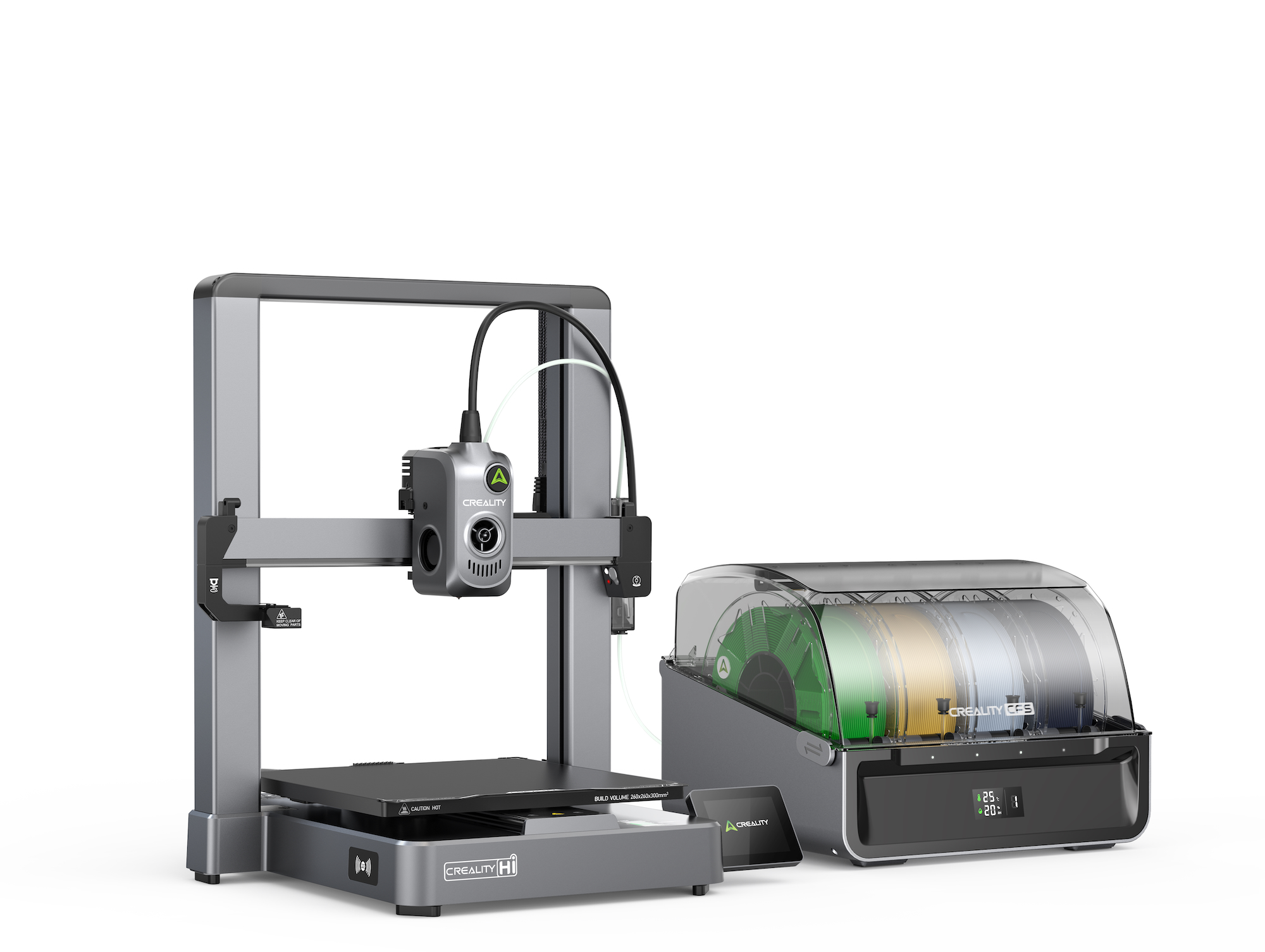
The Creality Hi Combo is listed as a 3D printer with CFS. That makes it a relevant option for makers looking at a printer setup that includes a multi-material or colour workflow component, although the precise supported workflow should be confirmed on the product page. See the Creality Hi Combo listing for its current configuration and specifications before deciding whether it suits the space and projects you have in mind.
The Hi Combo suits a printer-first plan
A printer is the centre of the workflow when you already have a model file or are happy to create one in design software. For winter, that might mean practical pieces for a home workspace or decorations sized to a particular spot. Think through where the machine will sit, how you will manage files and whether the features on the Hi Combo product page align with the level of control you want.
Its clearest appeal is the bundled CFS configuration, as named in the listing. It may be more setup than needed for someone who only wants occasional single-colour prints, and its listing alone cannot tell you whether it is the right match for a specific project. Check the supported materials, dimensions and included components with 3D Prima Technology’s current product details.
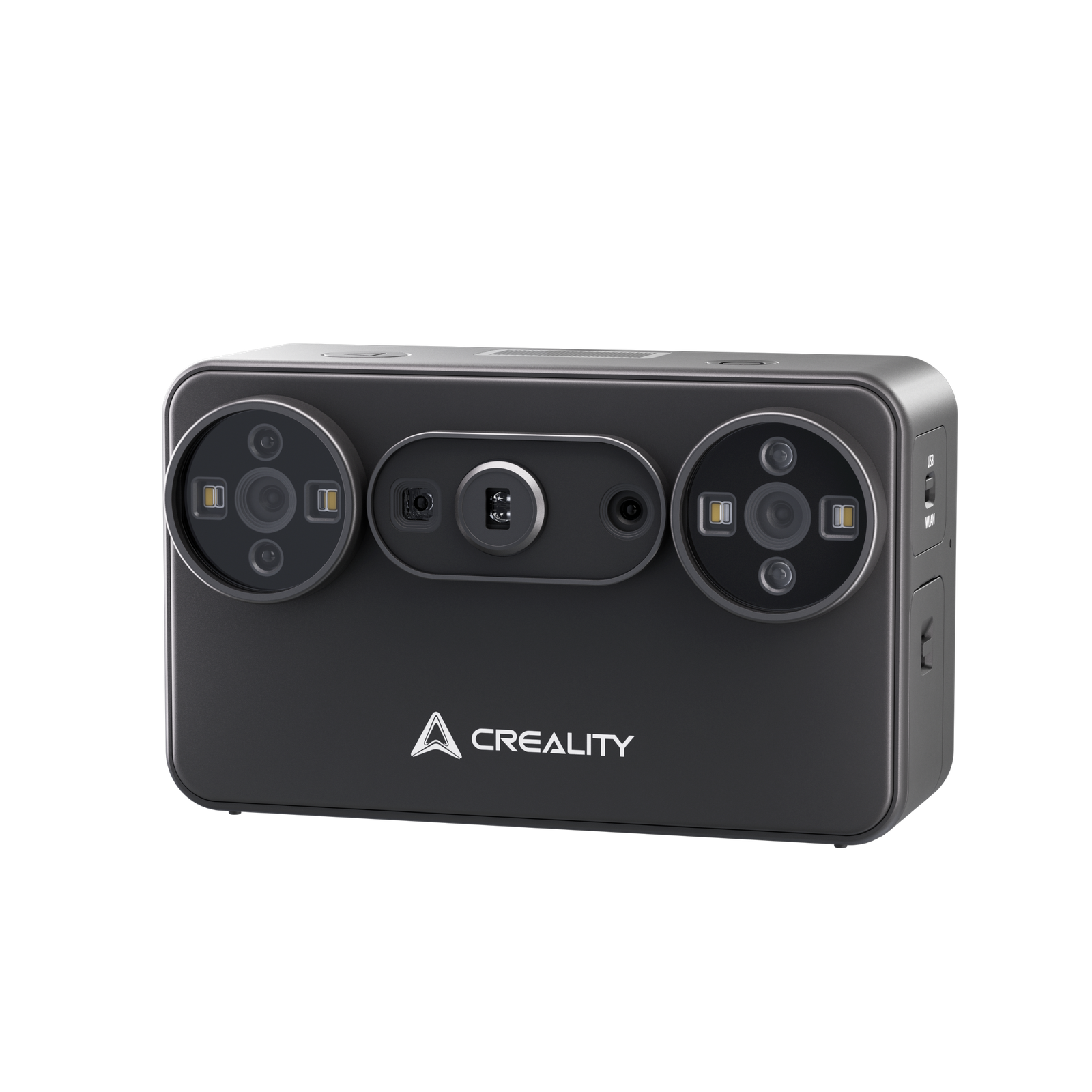
If your ideas begin with objects rather than downloaded models, the Creality Pika 3D Scanner represents a different route. The store presents it as a scanner, which makes it worth considering for a workflow that captures a physical subject as a digital model. The Creality Pika 3D Scanner should be assessed against the size, surface and detail of the things you hope to scan; check the page for the stated capabilities and software requirements.
The Pika makes sense when objects feed the workflow
Scanning can shorten the path from a physical reference to a digital starting point, but it is not a one-click promise of a finished print. You may still need to clean up a model, adjust dimensions or prepare it for printing. For a household repair, accuracy and the object’s shape matter; for a decorative piece, a rough digital reference may be enough. The store page for the Pika scanner is the place to confirm those technical boundaries.
- Check the scanner’s listed operating requirements before planning a computer-based workflow.
- Think about object size and surface finish, since they affect whether scanning is a sensible starting point.
- Budget time for editing and print preparation after capture.
This option suits curious makers who want to explore object capture as part of their process. It is less compelling if your immediate need is simply to print existing models; in that case, compare printer options and materials first rather than adding a separate capture tool.
PrimaValue PLA+ gives a material option for regular prints
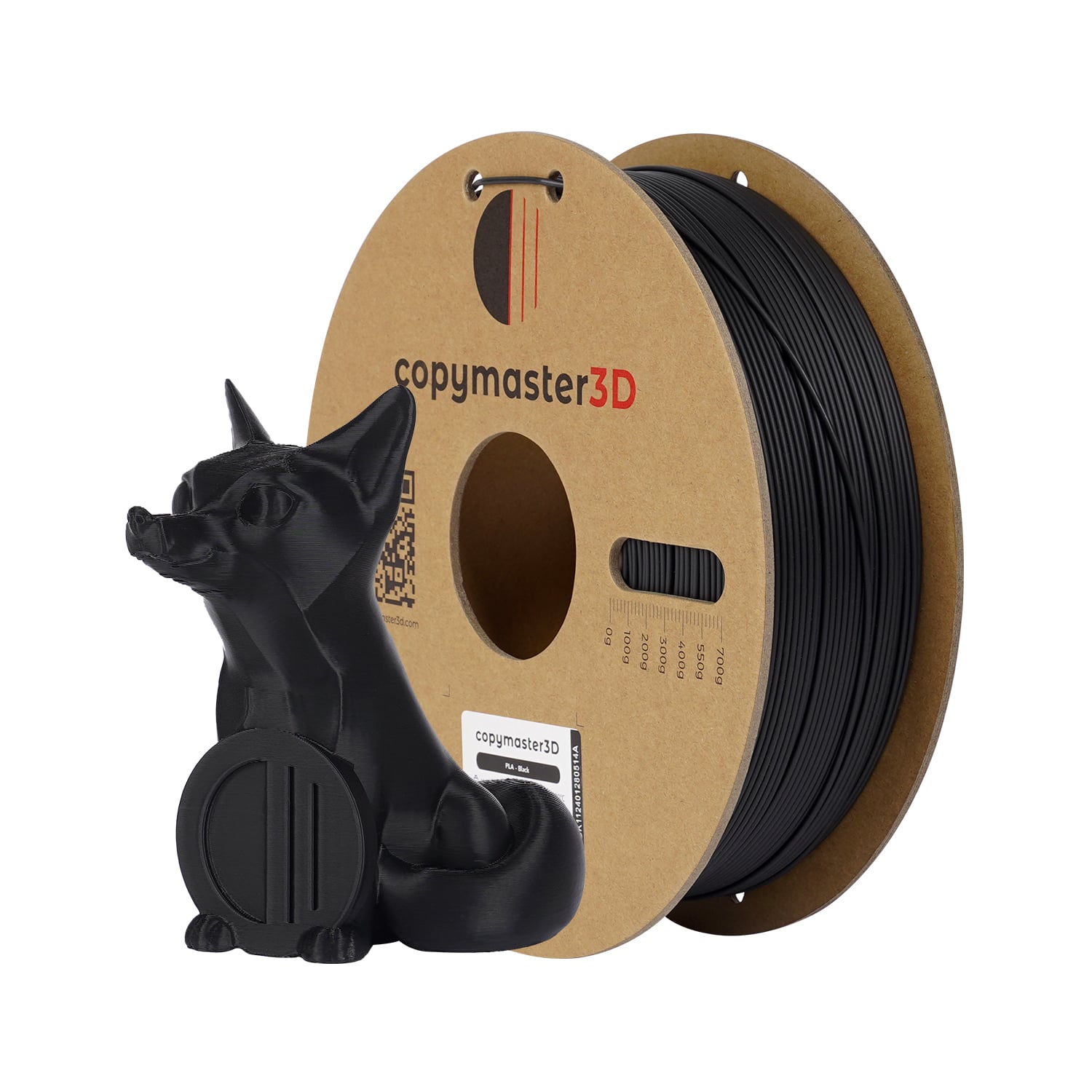
Filament is easy to overlook when planning a first project, yet it affects what can be printed and how you need to store supplies. PrimaValue PLA+ is listed as 1.75 mm filament. That measurement is a key compatibility check: confirm your printer accepts that diameter and check the product page for other material details before adding it to a setup.
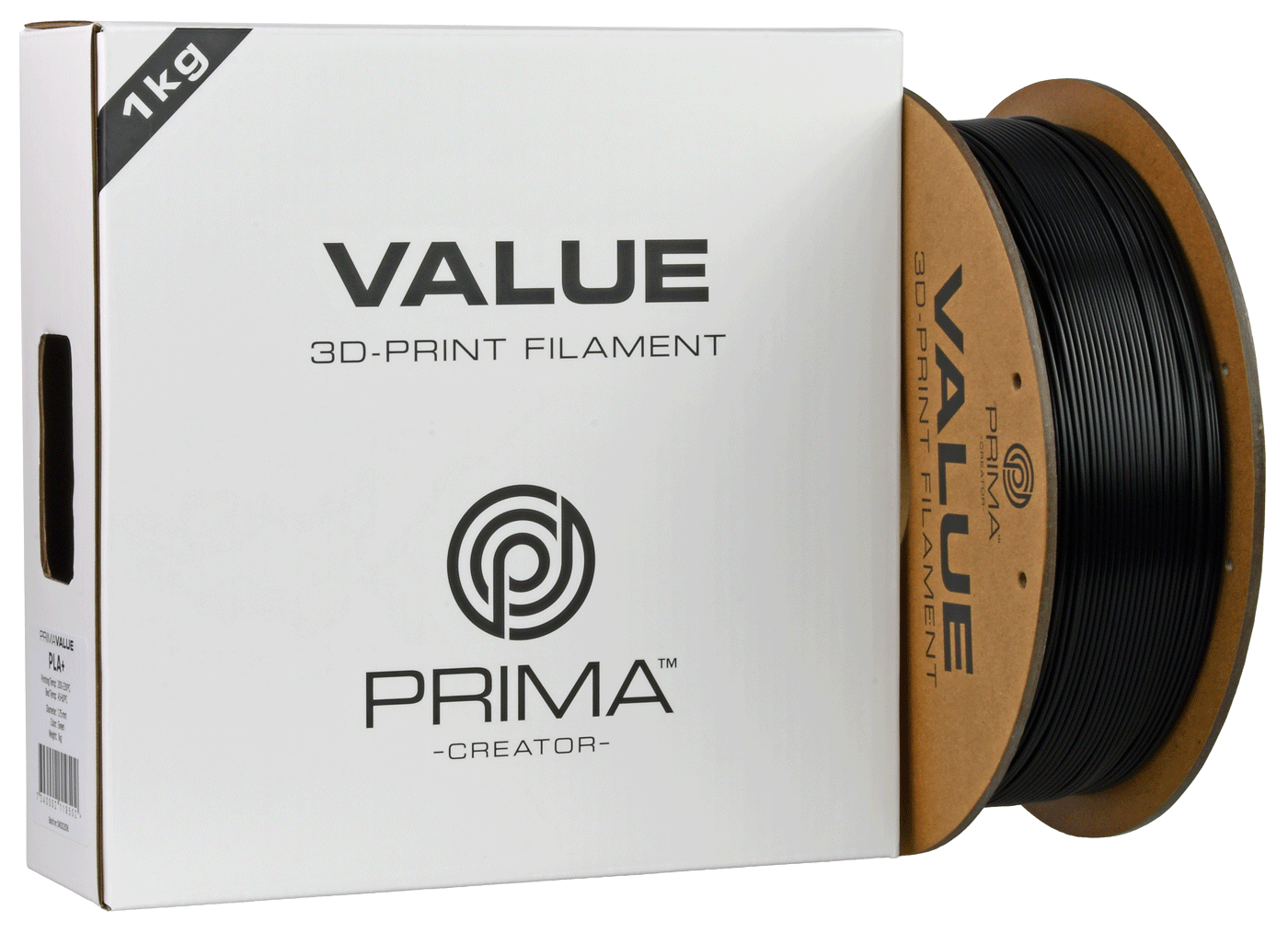
For simple indoor objects and decorative pieces, a familiar PLA-based material may be the natural starting point, but the exact result depends on the printer, settings and model. The PrimaValue PLA+ listing can confirm its current specification, while the wider filament details help you check whether the spool matches your machine.
Materials also make the cost of a project variable: spool type, amount used and whether you need supports or test prints all play a part. Instead of estimating from one product alone, make a short list of likely projects and check the current product details for each material. The range includes other material options too, so compare their stated properties to the part’s intended use.
A seasonal setup needs room, time and sensible expectations
Winter projects are often planned around whatever indoor space is available. Before choosing equipment, measure the intended work area and consider ventilation, noise, access to a computer and safe storage for filament. These practical details can matter as much as a headline feature when a machine will share a room with everyday life.
- Choose a project: write down its size, purpose and whether you have a model file.
- Match the tool: printer for producing a model, scanner for capturing an object, material for feeding compatible equipment.
- Check fit: verify dimensions, software and material compatibility on the UK product pages.
- Plan the ongoing work: allow time for setup, calibration, file preparation and failed-print learning.
On 3D Prima Technology, the Hi Combo, Pika scanner and PrimaValue PLA+ illustrate three distinct purchase decisions. Browse the details for each item, and use the store’s current listing to confirm stock and final specifications; product ranges and availability can change.
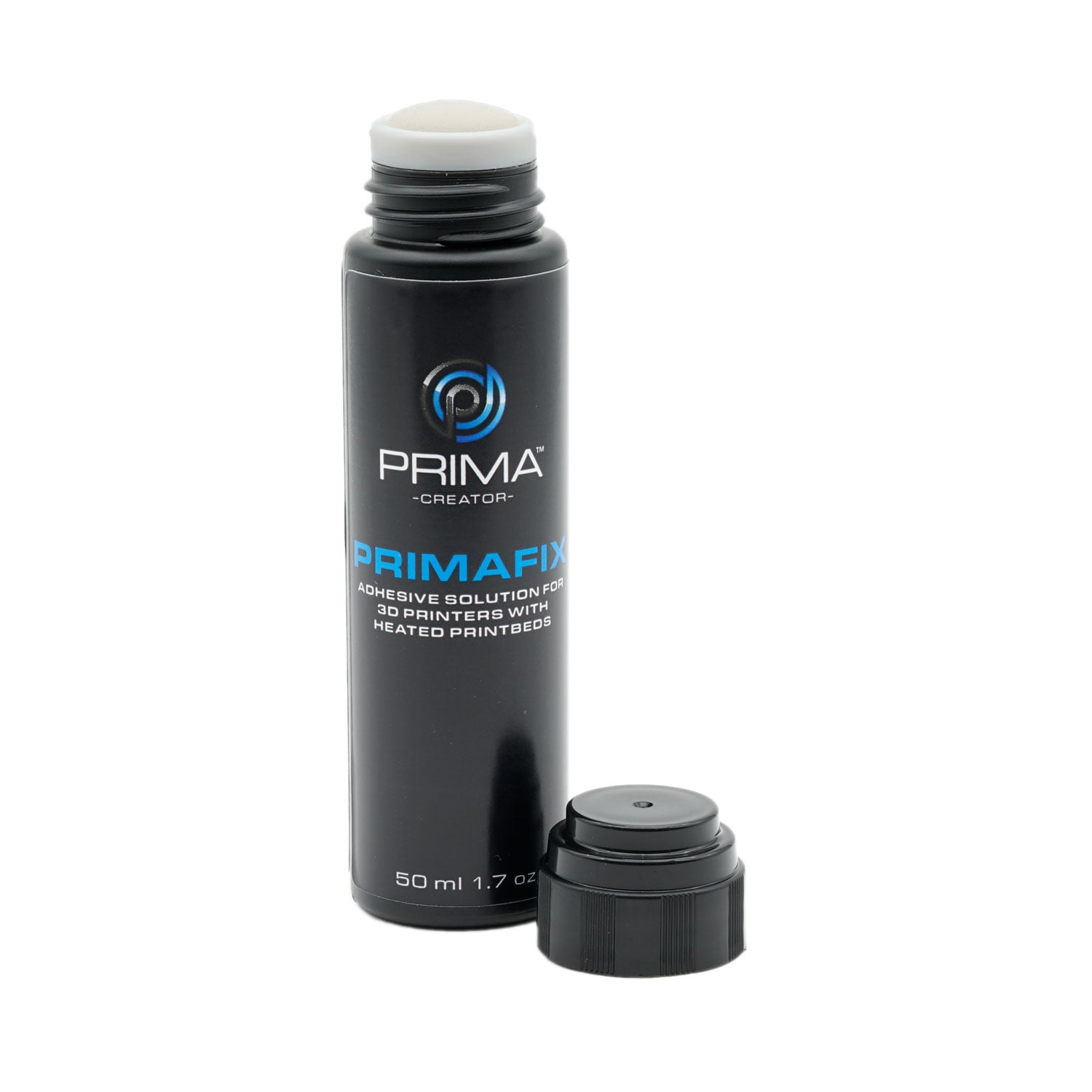
An accessory such as PrimaFIX, also present in the store’s range, points to another useful buying habit: only add supporting products when the printer or material instructions call for them. Accessories can be workflow-specific, so read their intended use rather than assuming every setup needs them. Browse material listings alongside your chosen machine, then check the maker’s guidance.
Before you decide
For a winter hobby centred on making prints from existing files, start by comparing the Creality Hi Combo and the materials your projects require. Choose the Pika scanner when capturing physical objects is genuinely part of the plan, and check PrimaValue PLA+ for a 1.75 mm option if your printer supports it. The limitation is that product listings cannot decide whether your room, software skills or project demands fit a particular machine; verify those specifics first.
Choose the tool that matches your next project, then confirm compatibility on its UK product page.